How Your WordPress Theme Affects SEO (and What It Doesn't)
A WordPress theme controls your HTML, headings, page weight and mobile layout, not your rankings outright. Here is what it touches and how to audit yours.

Updated 9 min read
- Author
- Published
- Updated
- Reading time
- 9 min
Your rankings dipped, or you're about to pick a new theme, and you want to know how much the theme really matters. The short answer: Google doesn't rank themes. It ranks the pages your theme renders. The theme decides a lot about those pages (how heavy they are, how the headings are structured, what shows on a phone), so it can help or hurt, but it can't make thin content rank.
This guide splits what a theme actually controls from what it doesn't, then walks you through auditing the theme you already have. If you only fix one thing, start with speed: our guide to WordPress speed optimization shows how to find which Core Web Vitals metric you actually fail.
What your theme controls, and what it doesn't
Most "theme SEO" advice blurs these together. Sorting them first saves you from swapping themes to fix a problem the theme never caused.
Area | Controlled by the theme? | Why it matters |
|---|---|---|
Page weight (CSS, JavaScript, fonts) | Yes | Drives Largest Contentful Paint and Interaction to Next Paint |
HTML structure and heading levels | Yes | Decides whether your post title is the H1 and how sections nest |
Mobile layout | Yes | Google indexes the mobile version of your pages |
Title tag output | Partly | The theme has to let your SEO plugin set the title |
Breadcrumbs and related-post links | Often | These are internal links that disappear if you switch |
Schema markup | Sometimes | Many themes add basic microdata; SEO plugins usually handle the JSON-LD |
Hosting, caching, server response | No | Usually the bigger speed lever |
Content quality, backlinks, search intent | No | Still what decides most rankings |
The last two rows are the reason a theme is rarely the whole story. Google says it "always seeks to show the most relevant content, even if the page experience is sub-par". A good theme removes friction. It doesn't create relevance.
Speed and Core Web Vitals
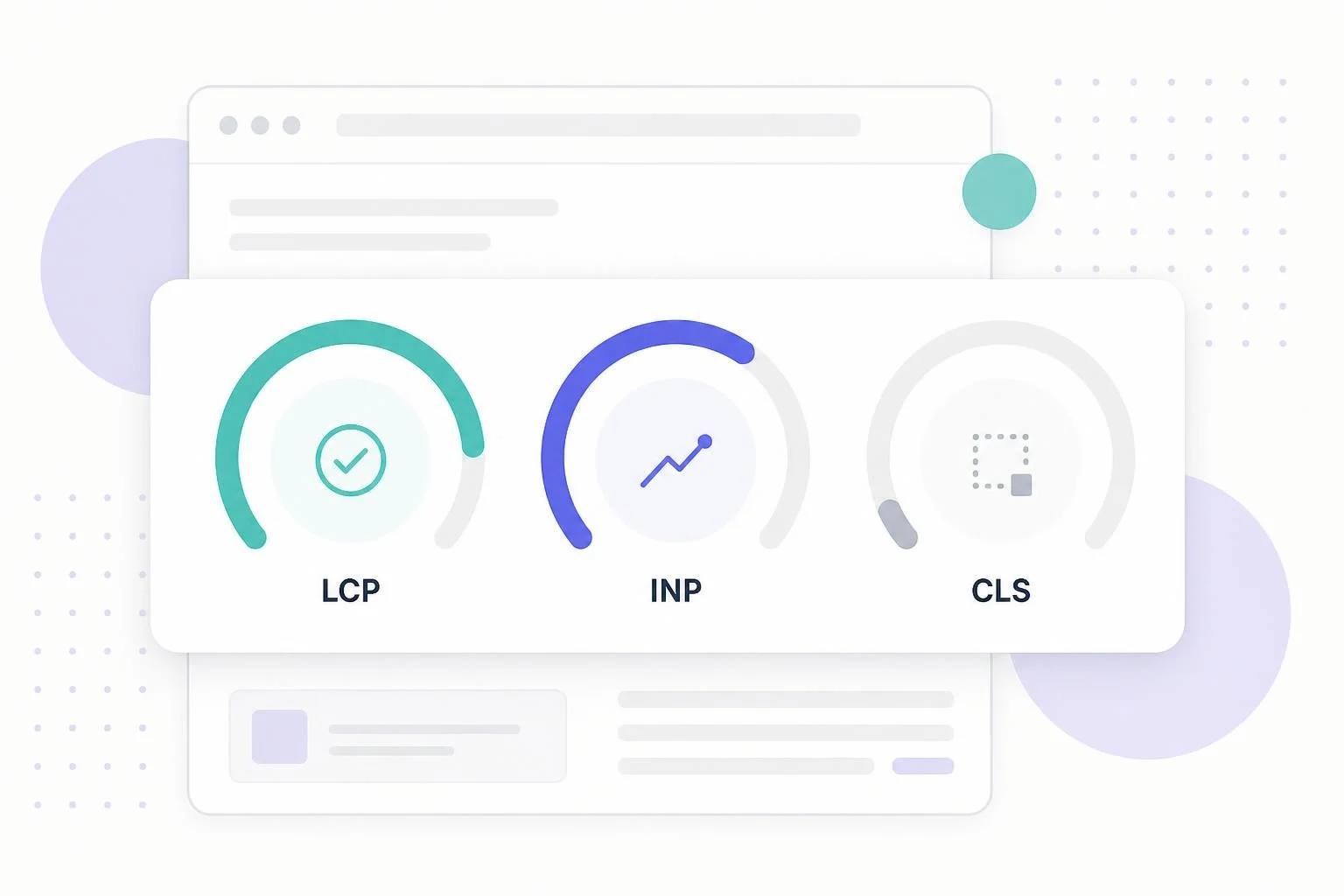
Speed is where themes differ the most, and it's where a bad theme does real damage. Google measures three Core Web Vitals and says they are used by its ranking systems:
Metric | Measures | Good score |
|---|---|---|
Largest Contentful Paint (LCP) | How fast the main content appears | 2.5 seconds or less |
Interaction to Next Paint (INP) | How fast the page responds to taps and clicks | 200 milliseconds or less |
Cumulative Layout Shift (CLS) | How much the layout jumps while loading | 0.1 or less |
A theme affects all three. Heavy themes load large CSS files and JavaScript on every page, which delays LCP and clogs the main thread that INP depends on. Themes that load web fonts late or insert banners after the page renders cause layout shift.
What to look for in the theme itself:
- It loads only the CSS and JavaScript a page needs, instead of one large bundle everywhere.
- It enqueues scripts and styles the WordPress way, so caching and optimization plugins can defer or combine them.
- It doesn't depend on sliders or animation libraries for basic layout.
- It sets width and height on images and doesn't lazy-load the image at the top of the page.
Treat Core Web Vitals as a tiebreaker, not a trump card. Google's page experience documentation says there is no single page experience signal, and that relevance comes first. A fast theme won't rescue weak content, but a slow one can lose you the close calls and the visitors who leave before the page paints. To measure a theme properly before you commit, use our guide to testing WordPress theme speed.
Mobile layout and mobile-first indexing
Google finished moving to mobile-first indexing in October 2023, which means sites that work on mobile are now crawled primarily with the mobile crawler. Whatever your theme shows on a phone is what Google indexes.
That has a consequence many people miss. If your theme hides content, internal links, or structured data on mobile (collapsed sidebars, desktop-only related-posts blocks), Google may not see it. Google's mobile-first indexing guide asks for the same content, headings, and structured data on mobile as on desktop.
Every mainstream theme is responsive now, so "is it responsive?" is the wrong question. Check instead:
- Does the mobile layout keep the same main content and headings as desktop?
- Are menu items and buttons big enough to tap without zooming?
- Does the mobile header push your content below the fold?
Google retired its Mobile-Friendly Test and the Mobile Usability report on December 1, 2023, so guides that tell you to use them are out of date. Use Chrome DevTools device mode and the mobile tab of PageSpeed Insights instead.
HTML structure, headings, and title tags
Search engines read your HTML, and the theme writes most of it. A well-built theme uses semantic elements (header, nav, main, article, footer) and makes your post title the single H1 on the page. A careless one wraps the site logo in an H1 too, or turns widget titles into H2s that compete with your real section headings.
Two WordPress-specific checks matter more than the rest:
- The theme must call
wp_head()in the page head andwp_footer()before the closing body tag. SEO plugins inject meta tags and JSON-LD through these hooks, as the wp_head reference explains. Reputable themes all do this, but some old or hand-built themes don't. - A classic theme should declare
add_theme_support( 'title-tag' )instead of hardcoding a title element. Without it, your SEO plugin's custom titles can be ignored or duplicated. The option is documented under add_theme_support.
You can check both in a minute. View the page source, search for the title tag (there should be exactly one), and confirm your SEO plugin's meta description appears in the head.
Schema markup
Some themes output schema.org microdata, such as itemtype attributes on the article, header, and navigation. Astra and GeneratePress both do this, and both document filters to switch it off. Your SEO plugin usually outputs a fuller JSON-LD version alongside it.
Theme schema is a minor factor. It doesn't rank pages on its own, and several rich result types it might have supported are gone: Google stopped showing FAQ rich results on May 7, 2026, and has dropped a long list of others since 2023 (Google's Search Central changelog has the dates). What you want to avoid is two sources describing the same page in conflicting ways. If your SEO plugin handles schema, theme microdata is usually redundant. Our post on schema markup in WordPress themes shows how to check what your site outputs and which source should own it.
Internal links your theme adds for you
This one gets overlooked. Breadcrumbs, related-post sections, category lists, and footer menus are all internal links, and the theme decides whether they exist. A theme that adds breadcrumbs and a related-posts block gives every post extra paths to other content without you writing anything.
That's also why a theme switch can quietly cut links. If your current theme adds a related-posts block and the new one doesn't, you lose those links across every post at once. Note what your theme adds before you change it. If you're planning a switch, the full checklist is in does changing a WordPress theme affect SEO.
How to audit the theme you already have
You don't need a new theme to find out whether the current one is holding you back. Run this on your homepage and two or three of your most-visited posts:
- Open PageSpeed Insights, switch to the mobile tab, and read the field data panel at the top before the score. Note which Core Web Vital fails, if any.
- In the lab diagnostics, look at the files listed under render-blocking requests and unused CSS or JavaScript. If most of them load from your theme folder (
/wp-content/themes/your-theme/), the theme is a real factor. If they come from plugins, swapping themes won't fix it. - View the page source. Confirm there's one title tag, one H1, and that your SEO plugin's meta tags appear in the head.
- Run one post through the Rich Results Test and look for duplicate or conflicting Article markup.
- Load the page on a real phone. Check that the content, headings, and internal links you see on desktop are also there.
If steps 1 and 2 point at the theme, a lighter theme is worth testing. If they point at plugins, hosting, or images, fix those first.
What a good SEO theme looks like
Put together, a theme that helps SEO tends to have:
- Small default CSS and JavaScript, loaded per page where possible.
- A clean heading structure with the post title as the only H1.
- Proper
wp_head(),wp_footer(), and title-tag support so SEO plugins work. - The same content and links on mobile as on desktop.
- Optional breadcrumbs and related posts you can switch on.
- A way to turn off its own schema if your SEO plugin handles it.
- Regular updates that track current WordPress releases.
Lightweight themes such as GeneratePress, Astra, Kadence, and Blocksy are common picks for these reasons, and the default block theme, Twenty Twenty-Five, is lean out of the box. None of them will be fast on slow hosting with a heavy page builder on top, so judge the whole stack, not the theme alone.
Which theme guide you need next
This page explains what a theme can and can't do for SEO. Depending on where you are, one of these is the better next step:
If you want to | Read |
|---|---|
See a shortlist of themes to pick from | |
Evaluate a theme yourself before buying | |
Prioritize raw load speed | |
Compare the two most popular options | |
Benchmark a theme before committing | |
Check a theme against an SEO feature list | |
Switch themes without losing rankings |
FAQs
Can a WordPress theme directly improve my rankings?
Not directly. Google ranks pages, not themes. A theme can improve the things Google measures, such as Core Web Vitals, clean headings, and a usable mobile layout, and those help when your content already competes.
How do I know if my theme is the reason my site is slow?
Run PageSpeed Insights and look at which files are render-blocking or unused. If most of them load from your theme's folder, the theme is a big part of the problem. If they come from plugins or third-party scripts, start there.
Do I need a theme with built-in schema?
No. An SEO plugin such as Yoast SEO or Rank Math outputs the structured data most sites need. Built-in theme schema is a small extra at best, and you may want to switch it off to avoid duplicate markup.
Is a block theme better for SEO than a classic theme?
Not automatically. Block themes tend to ship less CSS and JavaScript, but a classic theme like GeneratePress can be just as lean. Test the specific theme rather than the category. Our guide to WordPress Full Site Editing covers the trade-offs.
The short version
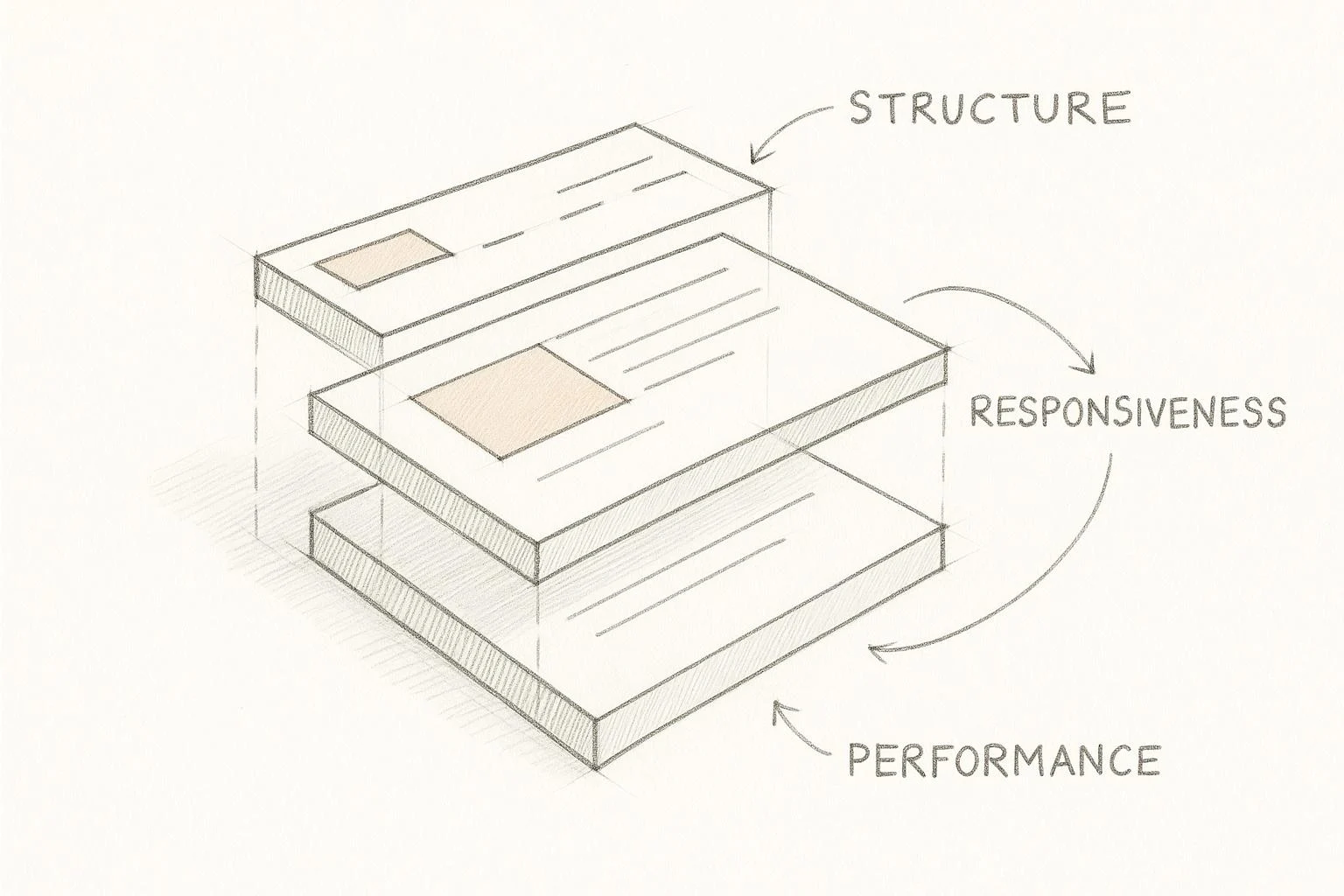
Your theme shapes page weight, heading structure, mobile layout, and some internal links, and those affect how your pages perform in search. It doesn't control content, backlinks, or hosting, which usually matter more. Audit the theme you have before you replace it. If PageSpeed points at your theme's files, test a lighter one. If it points anywhere else, the theme isn't your problem.