What Is llms.txt? How to Add One to Your WordPress Site
llms.txt is a markdown file that hands AI models a clean map of your site. Here is what it does, whether Google actually uses it, and how to add one to WordPress.

Updated 8 min read
- Author
- Published
- Updated
- Reading time
- 8 min
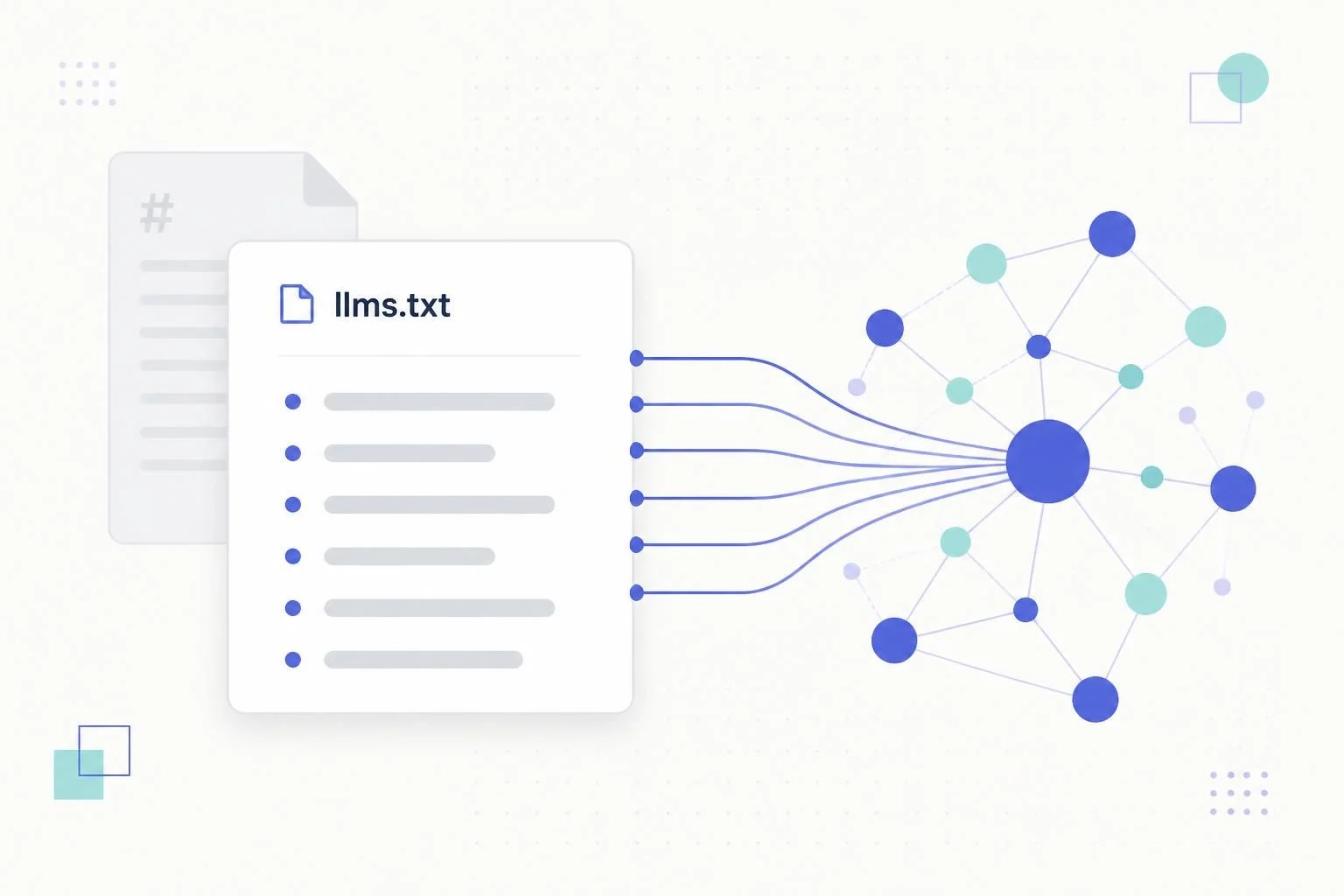
llms.txt is a plain markdown file you place at the root of your site, like yoursite.com/llms.txt, that hands AI models a clean, curated map of your most important content. The idea is simple: instead of making a language model crawl your full HTML, ads and navigation included, you give it a short reading list of what actually matters.
Most guides skip the next part. Google has said on the record that it does not use llms.txt, and no major AI company has confirmed that its chatbot reads the file to answer questions. So why bother? Because adding one takes about ten minutes, costs nothing, and a handful of AI tools and crawlers already fetch it. This post covers what the file is, what genuinely reads it today, and how to add one to WordPress without guessing.
What is llms.txt?
The llms.txt standard was proposed in September 2024 by Jeremy Howard, co-founder of Answer.AI and the fast.ai project. His argument: language models have limited context windows, so feeding them a whole website is wasteful and imprecise. A single markdown file that points to your best, cleanest content solves that.
It is built for inference, not training. In plain terms, it is meant to help when a user asks an AI assistant about your topic and the tool goes looking for a reliable source in that moment, rather than when models are first trained months earlier.
It also does not replace anything you already run. It sits alongside robots.txt and your XML sitemap and does a different job, covered in the comparison below.
What an llms.txt file looks like
The format is deliberately minimal. The only required part is a single H1 with your site or project name. Everything else is recommended structure:
- An H1 with your site name (the one required line)
- A blockquote summary: a sentence or two on what your site is and who it serves
- Optional free-text notes for context
- One or more H2 sections, each a list of links in the form
[title](url): short description - An optional section literally named "Optional" for links a model can skip when it needs a shorter version
Here is a trimmed example for a WordPress blog:
# SEO Themes

> Practical guides on SEO-friendly WordPress themes, technical SEO, and getting found in AI search.

## Guides

- [SEO vs GEO](https://seothemes.net/seo-vs-geo/): How AI search changes the optimization playbook
- [How to Get Cited by LLMs](https://seothemes.net/how-to-get-cited-by-llms-a-guide-for-content-creators/): Earning citations in ChatGPT, Claude, and Perplexity

## Optional

- [What is an SEO Slug](https://seothemes.net/slug/): URL formatting basics
That is the spec in spirit. The official llms.txt proposal has the full details if you want the edge cases.
Does anything actually read llms.txt?
The hype around llms.txt runs well ahead of the reality.
Google has been blunt. At its July 2025 Search Central Deep Dive in Asia Pacific, Gary Illyes said Google does not support llms.txt and has no plans to (Search Engine Land). Earlier, in April 2025, John Mueller compared the file to the old meta keywords tag: a claim the site owner makes about itself, which a system would have to verify against the real pages anyway. For Google AI Overviews and Gemini, the file does nothing today.
The other large AI companies have stayed quiet. As of November 2026, none has officially documented its assistant using llms.txt to source answers for users. Don't confuse publishing with consuming: OpenAI and Anthropic both publish llms.txt files for their own developer docs, which says nothing about whether ChatGPT or Claude reads yours. There are anecdotal reports of AI crawlers fetching the file, but fetching is not the same as ranking or citing.
Where it clearly works is developer documentation. FastHTML, one of Answer.AI's own projects and an early adopter, uses it so coding assistants can pull accurate API docs on demand, and public directories like llmstxt.site track the sites that have published one. If your site is technical docs, the upside is real and present. If it is a marketing blog, the upside is mostly a bet on where AI search is heading.
llms.txt vs robots.txt vs sitemap.xml
These three files get lumped together, and they should not be. Each does a separate job:
File | Job | Who reads it |
|---|---|---|
robots.txt | Says which bots may crawl which paths | Search and AI crawlers |
sitemap.xml | Lists every URL you want indexed | Search and AI crawlers |
llms.txt | Curates your best content as clean markdown | AI models at inference time |
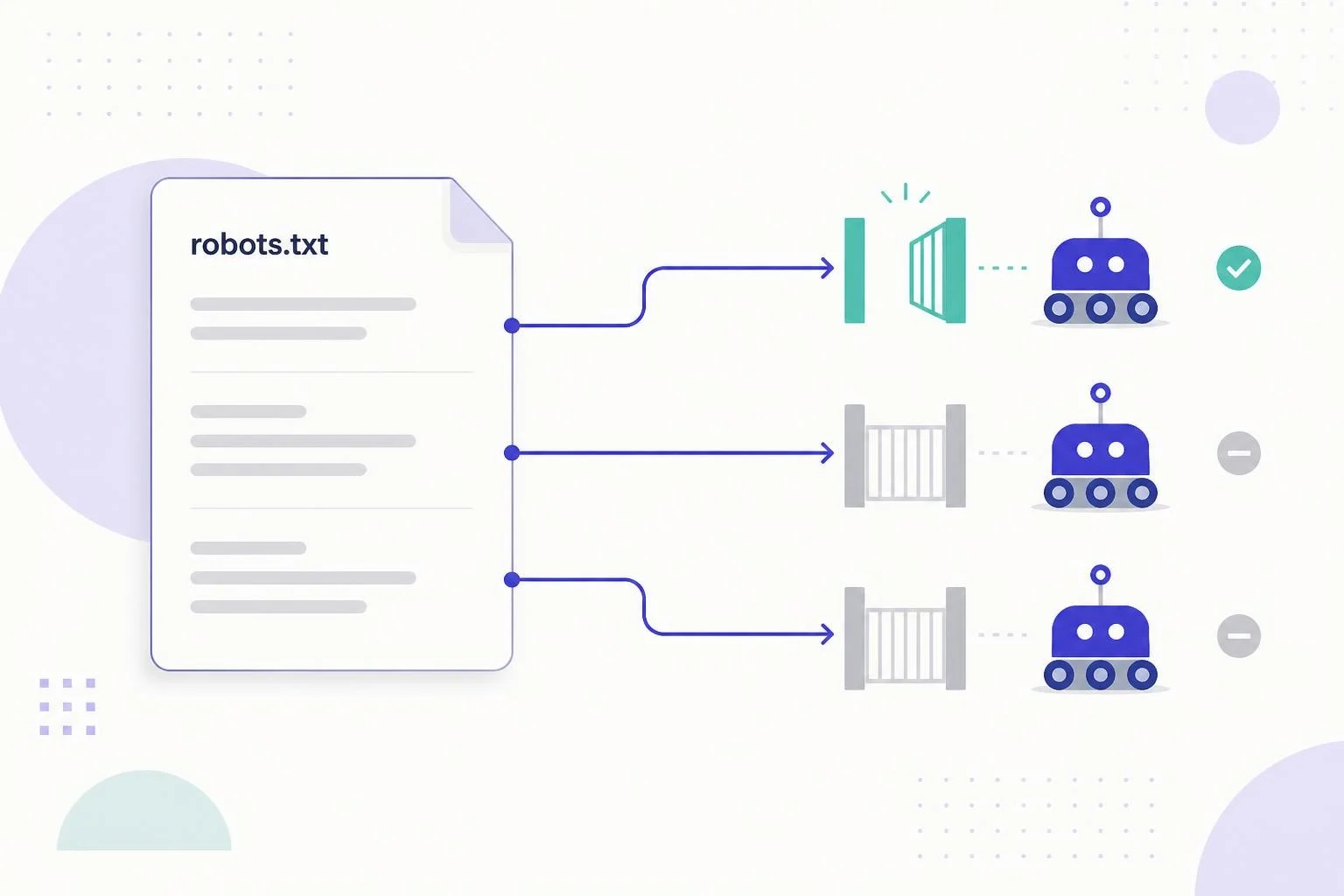
Your sitemap is still the workhorse for discovery. If you are not certain yours is set up correctly, see our walkthrough on finding and checking a sitemap. And if you want to control which crawlers can reach your site in the first place, that is the job of your robots.txt file. Think of llms.txt as a curated highlight reel, not a full index.
Should your WordPress site add one?
Here is how it shakes out by site type:
- Software docs or a knowledge base: yes, do it now. This is the exact use case the format was built for.
- Established blog or business site: optional and low risk. Ten minutes for a small hedge on AI search is fine, as long as you do not expect a traffic bump from it.
- Brand-new site with thin content: skip it for now. You have bigger priorities, starting with publishing content worth citing in the first place.
One caution: do not treat llms.txt as a ranking shortcut. It will not move you in Google, and a thin file pointing at thin content helps no one.
How to add llms.txt to WordPress
You have three realistic options. Pick the one that fits what you already run.
Option 1: Your SEO plugin (easiest)
If you use Rank Math, it ships with an LLMS Txt module. Go to Rank Math SEO > Dashboard, find the LLMS Txt module, and toggle it on. Then open Rank Math SEO > General Settings > Edit llms.txt and pick the post types to include. Rank Math's own guide notes the file stays empty until you configure it, and noindexed posts are left out.
Yoast SEO added the same capability in June 2025. Switch on the llms.txt toggle under Yoast SEO > Settings > Site features, and it maintains the file at your site root automatically.
Option 2: A dedicated plugin
If your SEO plugin does not handle it, the free Website LLMs.txt plugin generates the file and integrates with Yoast, Rank Math, SEOPress, and AIOSEO. Install it, activate it, and choose which content types to include. It also skips anything your SEO plugin marks as noindex, which keeps the file consistent with what you want indexed.
Option 3: Upload it manually
For full control, write the file yourself and upload it to your site root through your host's file manager or SFTP, so it loads at yoursite.com/llms.txt. The tradeoff is that you have to update it by hand every time your important pages change. Plugins keep it in sync for you, which is why I recommend them for most people.
Whichever route you take, confirm it worked by visiting yoursite.com/llms.txt in a browser. You should see your markdown, not a 404.
What actually moves the needle for AI visibility
If your real goal is getting mentioned by ChatGPT, Claude, and Perplexity, llms.txt is a footnote. The work that pays off is the same work that earns Google rankings:
- Be a credible, well-structured source. Clear headings, direct answers, and real expertise are what AI tools quote. Our guide on getting cited by LLMs goes deep on this.
- Add structured data. Schema markup helps machines parse what your pages mean, covered in schema markup in WordPress themes.
- Understand how AI search differs from classic SEO. Our SEO vs GEO breakdown covers the shift.
Do that work first. Add llms.txt as a cheap extra, not a strategy.
Frequently asked questions
Is llms.txt the same as robots.txt?
No. robots.txt controls which bots can access which parts of your site. llms.txt curates your best content as markdown for AI models to read. They solve different problems and can both live on the same site.
Does llms.txt help my Google rankings?
No. Google has stated it does not use the file, and there is no evidence it affects rankings or AI Overviews. Treat any tool that promises ranking gains from llms.txt with suspicion.
Will llms.txt get my site cited by ChatGPT?
Not on its own. No major AI assistant has confirmed using it to source answers. Being a clear, authoritative page that already ranks well is a far stronger signal.
The short version
llms.txt is a simple markdown file that gives AI models a curated map of your content. Google does not use it, and no major AI assistant has confirmed that it does either, so it is not a ranking tactic. It does earn its keep in developer-docs contexts and costs almost nothing to add, so for most WordPress sites it is a reasonable ten-minute hedge, best handled by toggling it on in Rank Math or Yoast. Keep your real energy on the fundamentals that earn AI citations: clear, credible, well-structured content.