
Choosing a WordPress theme is the highest-leverage decision you make before writing a single post, because the theme sets the ceiling for how fast your site loads, how clean your HTML is, how much schema markup gets emitted, and how well your SEO plugins work. A slow or bloated theme can cap your rankings no matter how much content you publish on top of it.
This post walks through the six factors that actually matter when picking an SEO-friendly theme, how to test a candidate, what red flags to walk away from, and which themes I’d pick today for different use cases.
The short answer
For most sites in 2026, you’re picking between GeneratePress, Astra, Kadence, or Blocksy. All four are lightweight, SEO-friendly, and actively maintained. The differences are incremental, not decisive. Picking any of them is a good choice. Picking the wrong one matters less than avoiding the bad ones (Divi, Avada, and most ThemeForest themes).
For my own picks by use case:
- Blogs and content sites: GeneratePress
- Business and portfolio sites: Astra or Kadence
- WooCommerce stores: Kadence or Blocksy
- Full Site Editing with block themes: Twenty Twenty-Four/Five/Six or Ollie
I cover specific picks in more depth in my top 10 SEO-friendly WordPress themes and fast-loading WordPress themes. This post focuses on the decision framework itself.
For the wider picture of how a theme influences rankings in the first place, start with how your WordPress theme affects SEO.
The 6 factors that actually matter for SEO
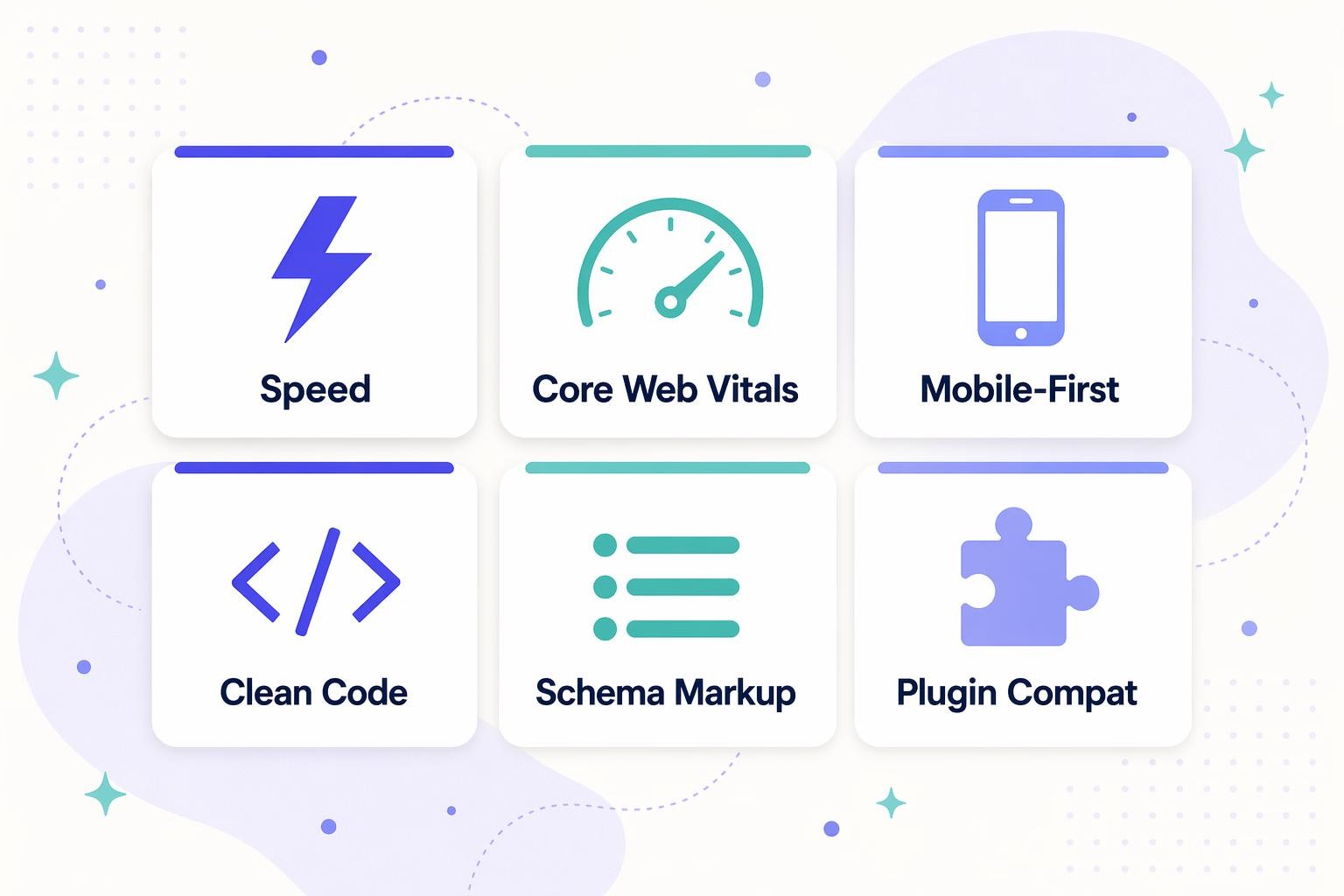
Every other feature is secondary to these six.
1. Speed
The single biggest SEO-relevant variable in theme choice. A heavy theme adds 500ms-2s to every page load, which directly hurts Core Web Vitals and rankings. Test any candidate with PageSpeed Insights using a demo install, not a marketing page (theme demos are often faster than real installs). Aim for LCP under 2.5s and total page weight under 1.5MB.
2. Core Web Vitals
Beyond raw load speed, Google specifically measures LCP (Largest Contentful Paint), INP (Interaction to Next Paint), and CLS (Cumulative Layout Shift). A theme that scrolls without layout shifts, responds to clicks instantly, and renders hero content fast will outrank one that doesn’t, everything else equal. Search Console’s Core Web Vitals report tells you how your current theme is doing.
3. Mobile-first responsive design
Google finished the mobile-first indexing transition in 2023. Every theme needs to be mobile-responsive, but the quality varies wildly. Look for themes that render well on actual phones (Pixel 9, iPhone 15, budget Android devices) rather than just in browser dev tools. A good mobile experience is a ranking factor. A bad one is a penalty.
4. Clean code and semantic HTML
Under the hood, your theme generates the HTML that search engines and AI engines read. A clean theme produces:
- One H1 per page (the post title)
- Properly nested H2s and H3s
- Semantic HTML (
<article>,<nav>,<header>,<main>) instead of div soup - Accessible markup with ARIA labels, alt attributes, and keyboard navigation
- No inline JavaScript or CSS bloat that blocks rendering
Right-click any theme demo and “View Page Source.” If it’s a wall of div-inside-div-inside-div with no semantic tags, skip it.
5. Schema markup support
Schema (structured data) helps Google and AI engines understand what your content represents. Some themes emit schema directly. Most delegate it to your SEO plugin (Rank Math, Yoast, SEOPress). Either works, but the theme must not interfere.
Test with Google’s Rich Results Test on a post from the theme’s demo. If you see Article or BlogPosting schema firing correctly, the theme is fine. See schema markup in WordPress themes for the full breakdown.
6. SEO plugin compatibility
Whatever you pick, it has to play nice with Rank Math, Yoast SEO, or whichever plugin you run. Incompatibility shows up as:
- Duplicate or missing meta tags
- Overridden canonical URLs
- Schema conflicts (theme schema + plugin schema = both invalid)
- Breadcrumb duplication
Every theme I recommended above plays nicely with both Rank Math and Yoast. Check the theme’s docs or support forums before buying.
How to test a candidate theme
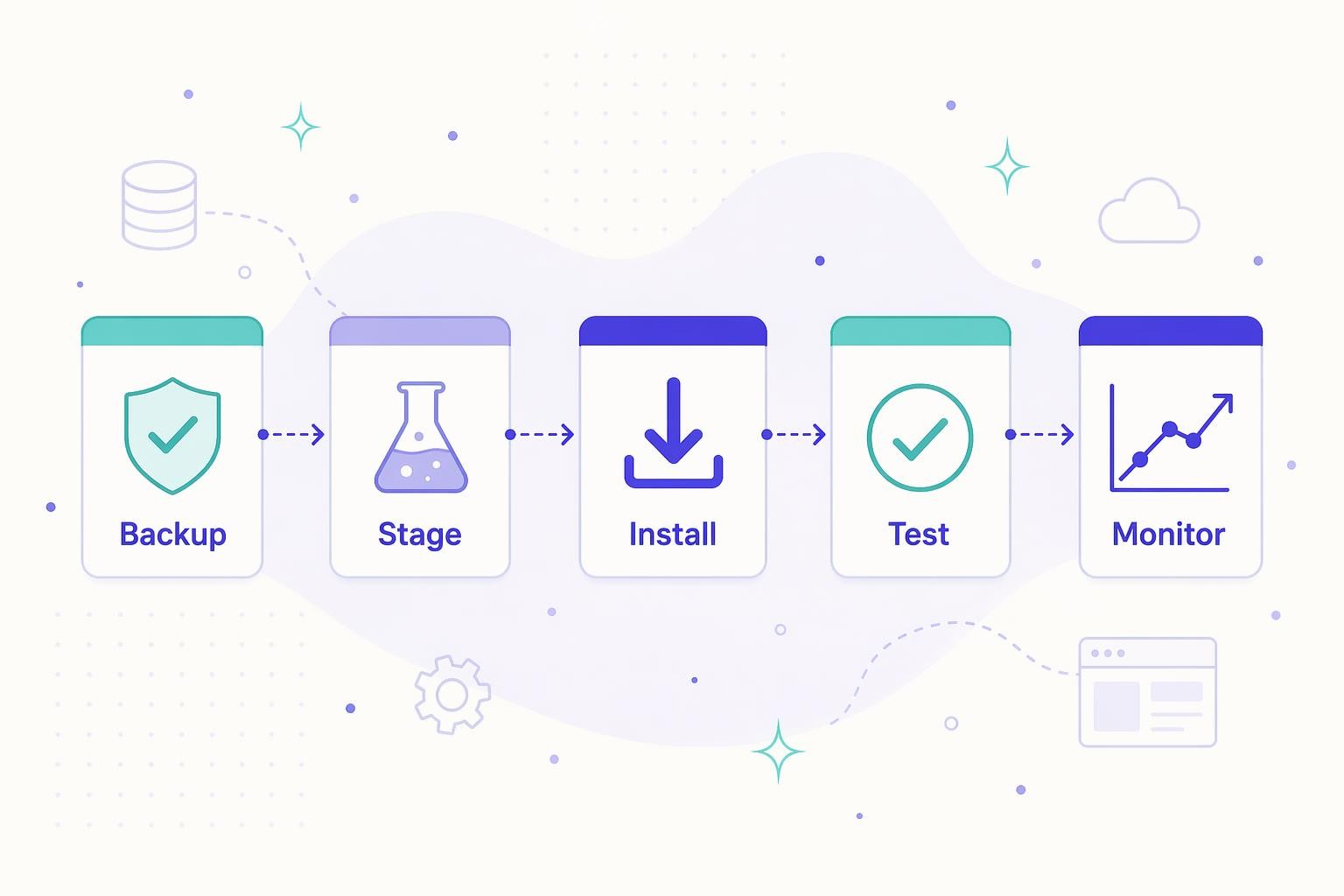
Never switch themes on a live site without testing first. The process:
- Backup: full files + database before doing anything else
- Stage: spin up a staging environment (most managed WP hosts do this in one click)
- Install: activate the candidate theme on staging, configure it to match your intended live setup
- Test: run PageSpeed Insights, Rich Results Test, and mobile simulator on your top 5 page templates (homepage, blog post, category, about, contact)
- Monitor: if you go live, watch Search Console and GA for 14 days for any ranking or traffic changes (see does changing a WordPress theme affect SEO)
If any metric drops by more than 10-15% between days 7 and 14, roll back. The theme is a net negative.
Red flags to walk away from
- Heavy reliance on jQuery or outdated JavaScript frameworks
- No updates in the last 12 months (abandoned theme is a security risk too)
- The theme’s own demo scores under 50 on mobile PageSpeed
- Requires a page builder you’d otherwise not use (some themes lock you into Divi Builder, WPBakery, or similar)
- Bundled plugins with no option to disable (bloat you can’t remove)
- No GDPR or privacy features, or no support for your locale
- Uses outdated PHP patterns (check if it supports the latest WordPress version)
- Reviews mention broken SEO features or plugin conflicts more than once or twice
Recommended themes by use case
Blog or content-heavy site
GeneratePress. Lightweight, fast, rock-solid SEO foundation, and plays well with every SEO plugin. Free tier is genuinely usable; premium ($59/yr) adds advanced layout controls.
Business, agency, or service site
Astra or Kadence. Both have strong starter templates aimed at business sites, clean code, and good customization without bloat. Kadence has better header/footer builders; Astra has a broader template library.
WooCommerce store
Kadence or Blocksy. Both have WooCommerce-specific templates and product-page layouts that don’t require a page builder. Avoid themes that bundle custom WooCommerce-override CSS unless you can turn it off.
Full Site Editing (block theme)
Twenty Twenty-Four, Twenty Twenty-Five, or Ollie. All are pure block themes built for WordPress’s FSE system. Zero PHP templates. See WordPress Full Site Editing for more context.
Local business site
Any of the four recommended themes, paired with a local SEO plugin (Rank Math or Yoast Local). The theme itself doesn’t need to be local-business-specific. The schema comes from the plugin.
Themes to avoid in 2026
- Divi: heavy, page-builder-dependent, consistently slower than alternatives. Great visual builder, bad for SEO
- Avada: historically the #1 ThemeForest seller, and historically bloated. Modern versions are better but still not competitive on speed
- Most ThemeForest top sellers: high-design themes packed with features you don’t need, slow on real content
- Abandoned/unmaintained themes: security risk plus compatibility bitrot
The decision checklist
Before finalizing your theme choice, verify:
- PageSpeed Insights mobile score 80+ on the theme’s own demo
- Rich Results Test shows valid schema on demo posts
- Theme’s documentation lists Rank Math and Yoast as compatible
- Last update was within the last 6 months
- View Page Source shows semantic HTML, not div soup
- Demo responds well on a real mobile phone (not just browser dev tools)
- Active support community or responsive developer
- Pricing fits your budget (and doesn’t lock you into renewing to keep features)
If a theme passes all 8, it’s worth testing on staging. If it fails more than 2, skip it.
The short version
For SEO, a WordPress theme’s job is to be fast, render clean semantic HTML, support Core Web Vitals, pass schema cleanly to your SEO plugin, and not get in the way. GeneratePress, Astra, Kadence, and Blocksy all meet the bar. Avoid Divi, Avada, and most ThemeForest themes. Test any candidate on staging before going live. For comparison-heavy details, see my GeneratePress vs Astra and 12 essential SEO features in WordPress themes posts.

Leave a Reply