
Animated icons can add real polish to videos, landing pages, and app interfaces. The catch has always been cost. Premium icon sets often run $20 to $100+ per pack, and custom animation is substantially more.
These four sites offer genuinely useful free animated icons, most in Lottie JSON format (lightweight, scales perfectly, customizable on the fly). No credit card and no signup wall on most downloads.
Icon Scout
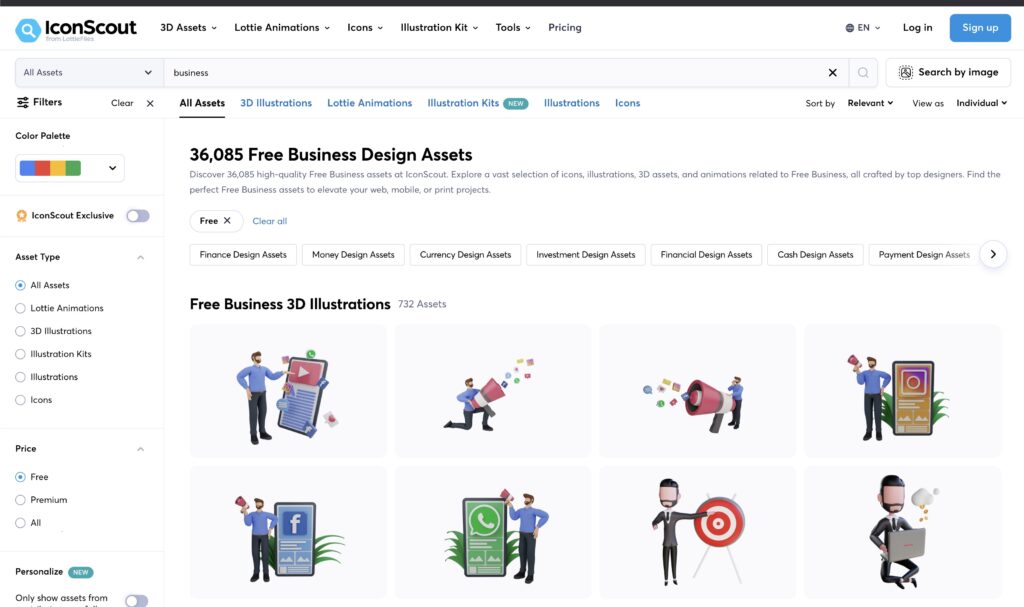
Icon Scout is the largest collection of free animations on this list. It’s owned by Lottie Files and often offers higher-quality versions of the same animations than lottiefiles.com directly.
- Formats: Lottie JSON, GIF, MP4
- Free tier: large, with daily and monthly download limits
- Best for: general animated icon needs where you want maximum variety
Lordicon
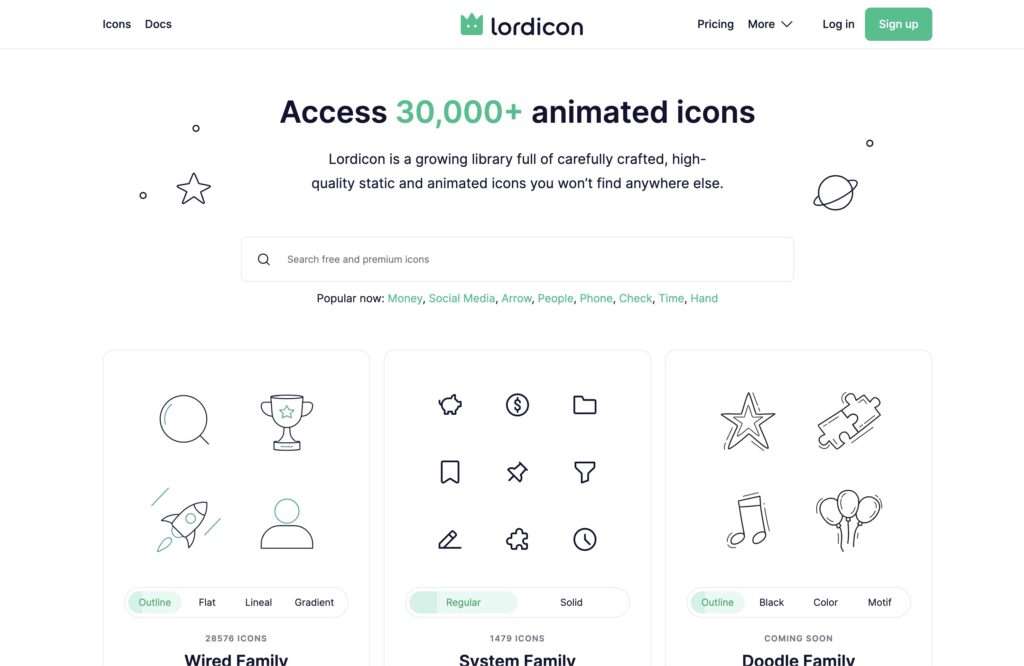
Lordicon stands out for its custom color controls. You can adjust the colors of an animation before downloading so it matches your brand without opening After Effects.
- Formats: Lottie JSON, GIF
- Free tier: specific free packs, most premium
- Best for: projects where brand color consistency matters
Flaticon
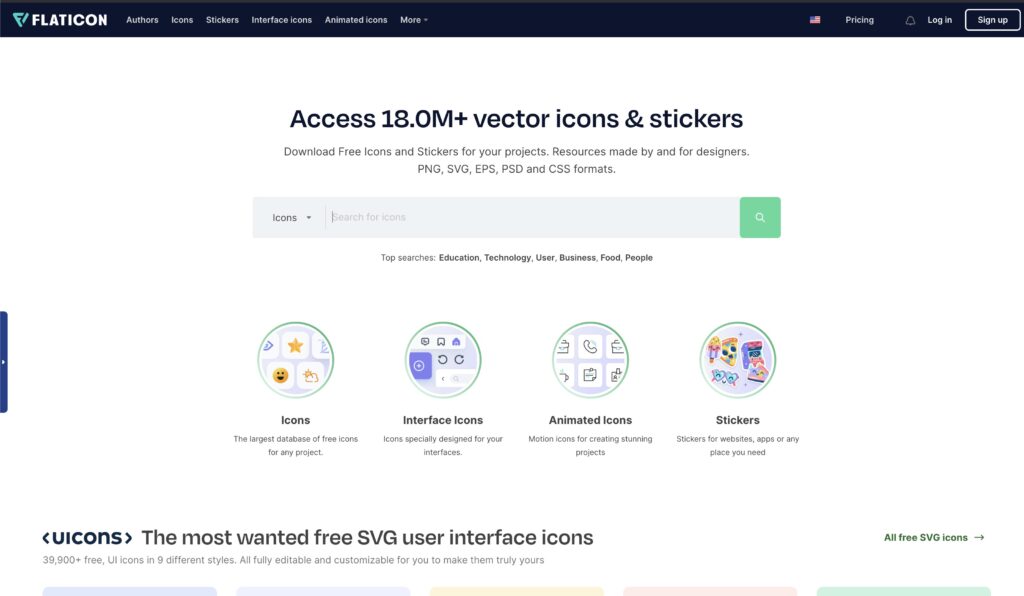
Flaticon has the widest format support of the four. You can download icons in formats other sites don’t offer.
- Formats: Lottie JSON, GIF, MP4, SVG, PNG, PDF, EPS
- Free tier: generous, most free downloads require attribution to Flaticon
- Best for: when you need a specific file format for editing software compatibility
Icons8
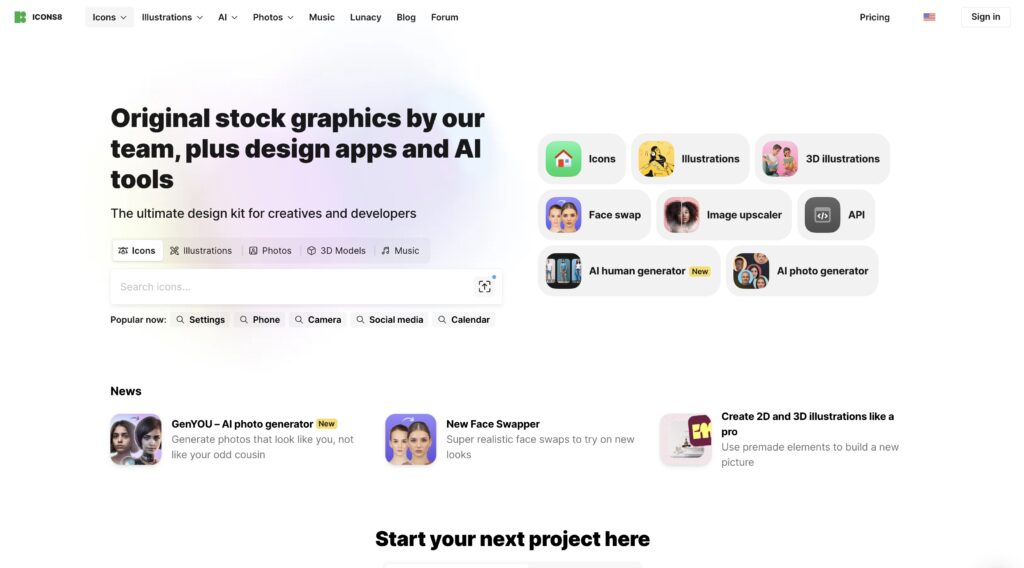
Icons8 covers a huge range of categories and styles, with both cute-casual and sleek-professional collections.
- Formats: Lottie JSON, GIF, MP4, SVG, PNG
- Free tier: limited free downloads, most require a plan
- Best for: variety and specific stylistic fits
Which one should you use
Quick picker:
- Need the most variety: Icon Scout
- Need custom colors without editing software: Lordicon
- Need a specific or unusual file format: Flaticon
- Need a consistent stylistic library: Icons8
All four have overlapping coverage. If you plan to use animated icons regularly, download a few from each and keep a tagged library locally.
File format quick reference
- Lottie JSON: lightweight, scalable, animatable via CSS or JS. Best for web
- GIF: universally supported but large files and no color/size customization
- MP4: video-quality animations, bigger file sizes, best for social video
- SVG (static or animated): tiny file, scales perfectly, great for icons
- After Effects files: source files for full customization
For web projects, Lottie JSON wins on every dimension except browser support (older browsers need a polyfill).
Using animated icons on WordPress
- Install a Lottie Player plugin to render Lottie JSON natively in posts
- For GIFs, insert like any other image. Keep files under 500KB to avoid tanking LCP
- Always add meaningful alt text to the icon for accessibility
- Compress GIFs with tools like EZGIF or convert to MP4/WebM where possible (much smaller files)
Animated icons can hurt Core Web Vitals if misused. Avoid adding large GIFs above the fold, they block LCP. Use Lottie or optimized MP4 for anything important.
Licensing notes
Always check the specific license for each icon:
- Free for personal use: can’t use in client work or commercial projects
- Attribution required: must credit the author visibly
- Free with license or Creative Commons: usable for commercial, verify the specific CC variant
- Premium: pay per icon or per subscription
Getting this wrong can cost you a DMCA takedown or a legal bill, even on a free download.
The short version
Building out a wider asset library? Our roundup of sites for free sound effects covers the audio side with the same licensing caveats.
Icon Scout, Lordicon, Flaticon, and Icons8 cover the great majority of free animated icon needs. Pick based on whether you want variety (Icon Scout), color control (Lordicon), format flexibility (Flaticon), or style consistency (Icons8). Download in Lottie JSON when possible for the best balance of file size, quality, and scalability.

Leave a Reply