Free Animated Icons: 5 Sites Compared by License and Format
LottieFiles and IconScout free animated icons need no credit; Lordicon, Flaticon, and Icons8 require attribution. Compare formats, licenses, and costs.

Updated 6 min read
- Author
- Published
- Updated
- Reading time
- 6 min
You want a few animated icons for a landing page, an app screen, or a video, and you don't want to pay for a pack or open After Effects. Plenty of sites give them away. The differences that matter are the file format you get for free and whether you have to credit the site.
The short version: LottieFiles and IconScout let you use free animations commercially without attribution. Lordicon, Flaticon, and Icons8 have bigger or more polished free sets, but free use comes with a credit requirement. Each license below is summarized from the site's own license or pricing page.
Free animated icon sites compared
Site | What you get free | License for free use | Cost |
|---|---|---|---|
LottieFiles | Thousands of free animated icons in Lottie JSON, dotLottie, GIF, animated SVG, and MP4 | Lottie Simple License: commercial use, no attribution | Free |
IconScout | Free Lottie and icon assets alongside a paid catalog | Commercial use, attribution encouraged but not required | Free assets; paid plans for the full catalog |
Lordicon | About 9,700 free animated icons with color customization; Lottie, GIF, MP4, WebP, PNG, and SVG exports | Attribution required | Free; PRO from $8 a month billed annually |
Flaticon | 57,000+ animated icons; GIF and MP4 free | Attribution required on free downloads | Free; Premium adds Lottie, SVG, and After Effects files with no attribution |
Icons8 | Animated icons, mostly as GIFs | Free use requires a link to icons8.com | Free with link; paid plans remove it |
If you're building for the web, favor the sites that give you Lottie JSON on the free tier (LottieFiles, Lordicon, IconScout). Flaticon's free tier gives you GIF and MP4, which are heavier and can't be recolored.
LottieFiles
LottieFiles is the company behind the dotLottie format and a large library of community animations, including a dedicated section of free animated icons. Free animations are covered by the Lottie Simple License, which allows commercial use and doesn't require attribution, though the license encourages it.
You can download most free icons as Lottie JSON, dotLottie, GIF, animated SVG, or MP4, so it's a good first stop when you need a web-ready file.
IconScout
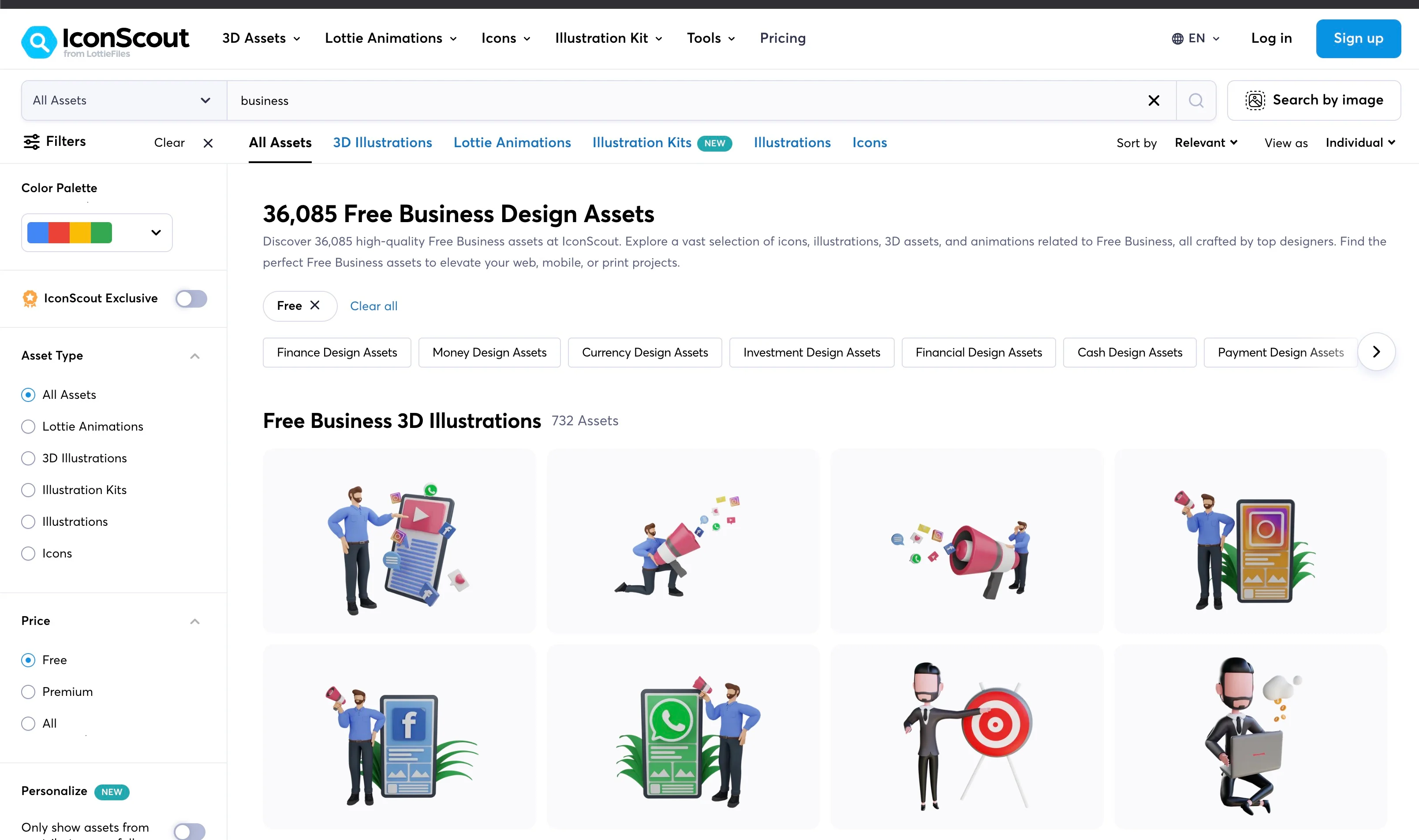
IconScout is a large design asset marketplace that LottieFiles acquired in 2021. Alongside its paid catalog, it has free icons, illustrations, and Lottie animations, and the filter in the link above shows only free assets.
According to the IconScout license page, you can use assets commercially without attribution, though attribution is strongly encouraged. Animated assets come in formats such as Lottie JSON, GIF, MP4, and After Effects, but check which formats each free asset offers before you commit to it.
Lordicon
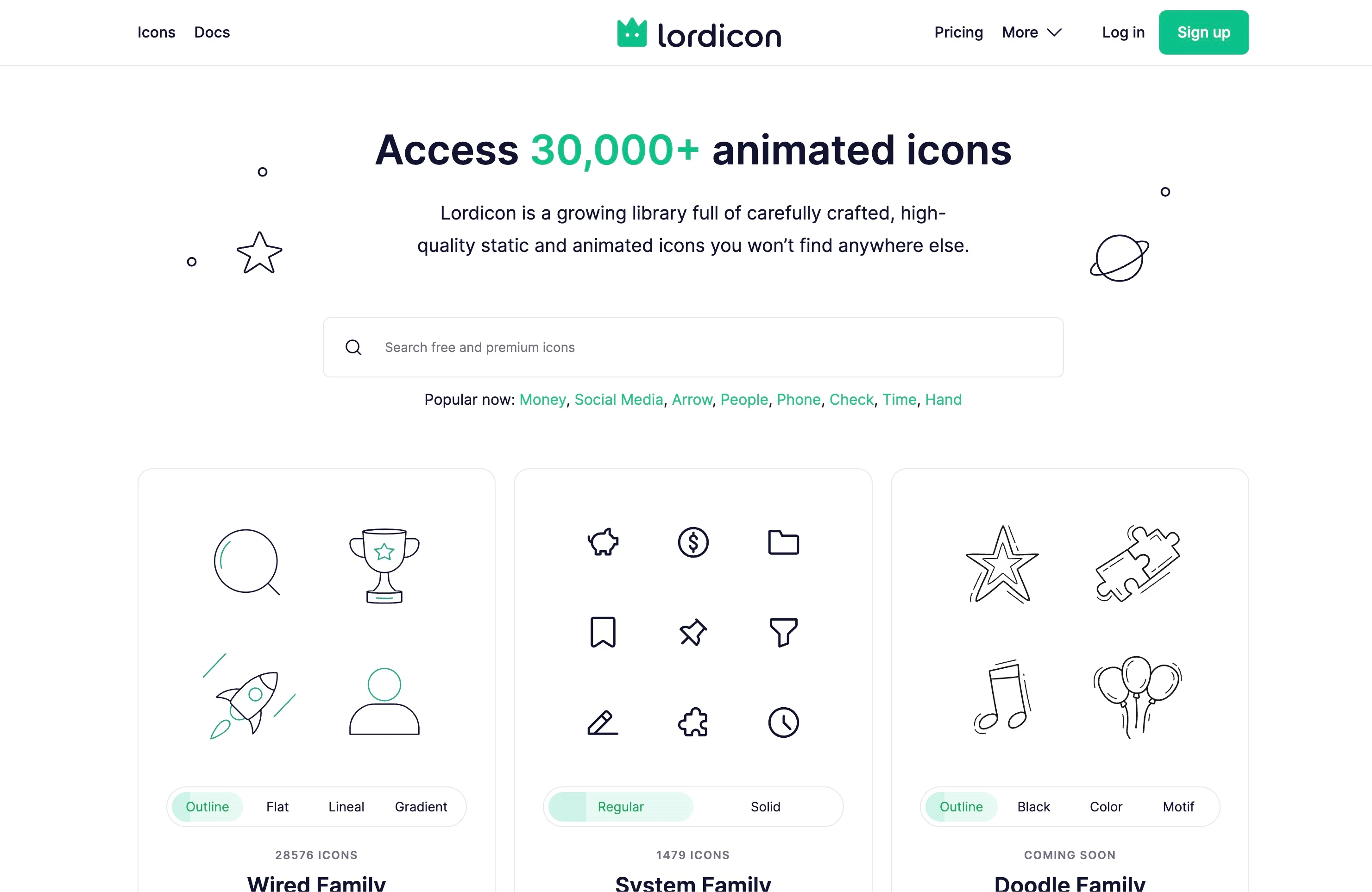
Lordicon stands out for its customization. You can change an icon's colors and other settings before downloading, so it matches your brand without editing software.
The Lordicon pricing page lists about 9,700 free animated icons out of a library of 49,000+, with Lottie, GIF, MP4, WebP, PNG, and SVG exports on the free plan. Free use requires attribution, per the Lordicon license. The PRO plan opens up the full library.
Flaticon
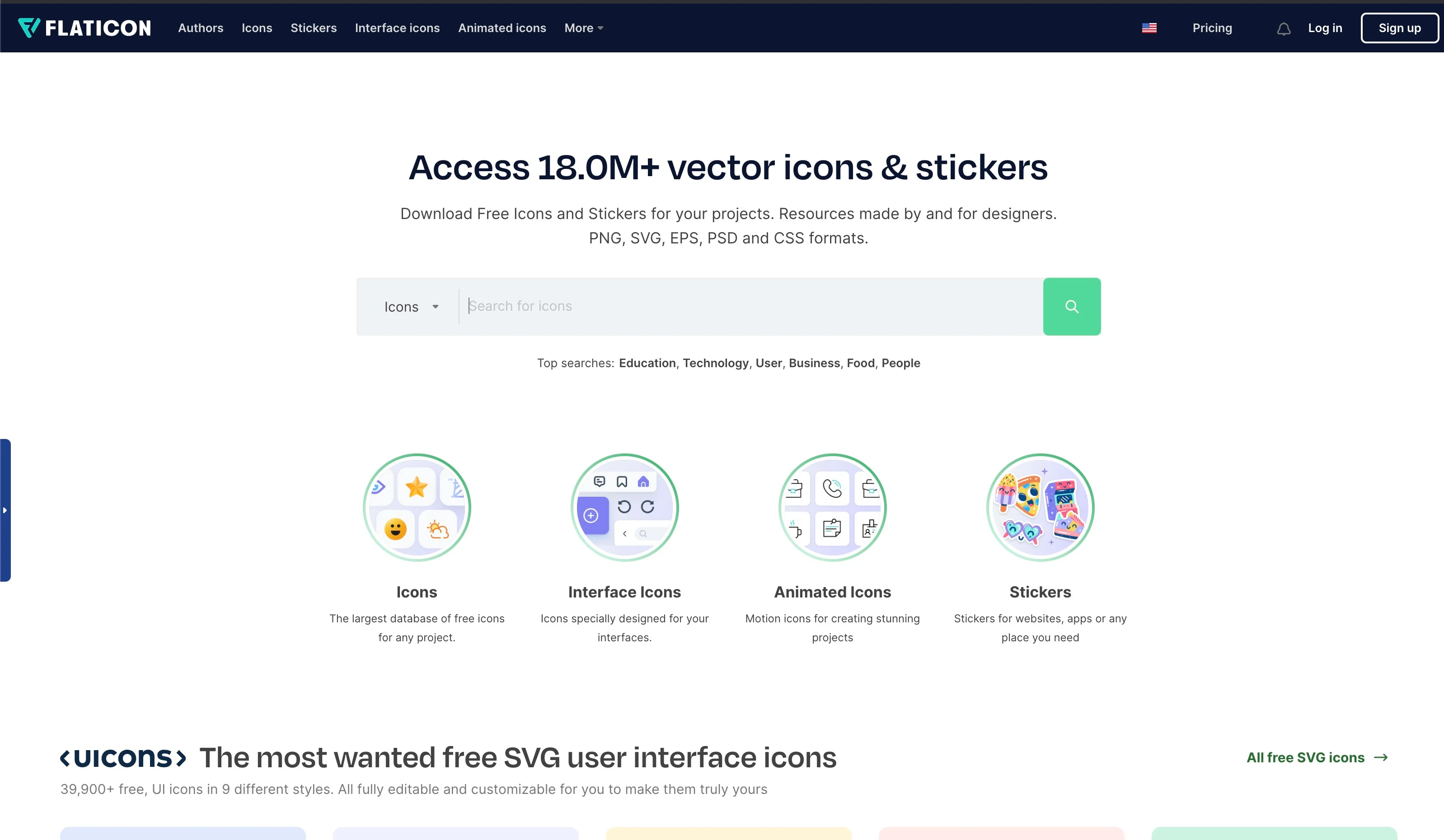
Flaticon's animated icons section has more than 57,000 animated icons, which makes it the biggest set here. The catch is format: GIF and MP4 downloads are free, while Lottie JSON, SVG, and After Effects files sit behind Premium.
Free downloads require you to credit the author, as set out in the Flaticon terms of use. Premium removes the attribution requirement.
Icons8
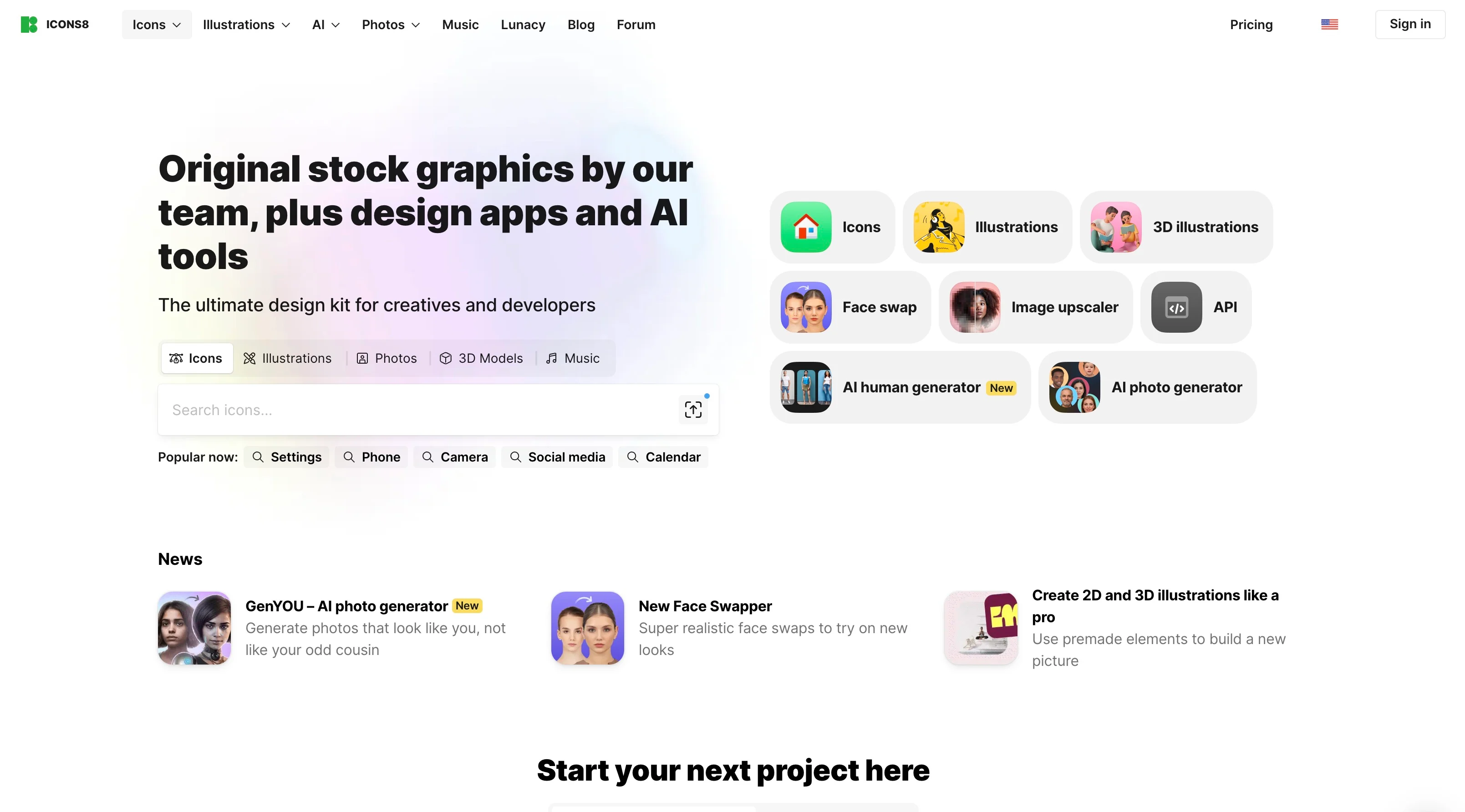
Icons8 covers a wide range of styles, from casual and cartoonish to clean and corporate. Its animated icons are mostly offered as GIFs.
The Icons8 license lets you use assets for free as long as you link to icons8.com wherever you use them. Paid plans remove the link requirement.
Which one should you use
- Web project, no credit line: LottieFiles, then IconScout.
- Icons that match your brand colors: Lordicon.
- The biggest selection and you're fine with GIF or MP4: Flaticon.
- A consistent visual style across many icons: Icons8 or Lordicon.
The libraries overlap a lot. If you use animated icons often, keep a local folder of the ones you've downloaded, along with a note of where each came from and its license.
Which file format to download
- Lottie JSON or dotLottie: small vector animations played by a JavaScript player. Best for websites and apps.
- Animated SVG: vector and lightweight, but complex animations can be harder to edit.
- GIF: plays everywhere with no player, but files are large and colors are fixed.
- MP4 or WebM: much smaller than GIF for the same animation, and best for social video.
- After Effects source files: full control if you edit motion yourself.
Lottie works in every modern browser, but it isn't native: the page needs a player library such as lottie-web or the dotLottie player to render the file. That script has a cost, so for one small decorative icon a GIF or short video can be simpler.
Using animated icons on WordPress
- For Lottie files, use a Lottie block or player plugin from the WordPress.org plugin directory, or load the dotLottie player in your theme.
- Upload GIFs like any other image, but keep them small. A large animated image above the fold can become the page's Largest Contentful Paint element and slow it down.
- Where you can, convert GIFs to MP4 or WebM video. web.dev's guide to replacing GIFs with video shows how much smaller the files get.
- Give icons that carry meaning descriptive alt text, and give purely decorative icons an empty alt attribute so screen readers skip them.
- Respect reduced motion. Animations that start on their own and run for more than five seconds alongside other content need a way to pause them under WCAG's Pause, Stop, Hide rule, and the prefers-reduced-motion media query lets you turn animation off for visitors who ask for less of it.
If animated icons are dragging your Core Web Vitals down, our guide to WordPress speed optimization shows how to find which metric you're actually failing.
Licensing notes
Every site here has its own rules, and a single site can use different rules for free and paid files. Before you use an icon in client or commercial work, check:
- Whether attribution is required, and the exact credit format the site asks for.
- Whether commercial use is allowed for that specific file.
- Whether you can modify the icon, and whether you can use it in a logo or trademark (most icon licenses forbid this).
Keep a record of the license at the time you downloaded each file. Sites change their terms, and the record is your proof.
The short version
For web projects with no credit line, start with LottieFiles or IconScout and download Lottie JSON. If you want brand-colored icons and don't mind crediting, Lordicon is the most flexible free tier. Flaticon has the most icons but gives you GIF and MP4 for free, and Icons8 asks for a link back.
Building out a wider asset library? Our roundup of sites for free sound effects covers the audio side with the same license-first approach.