
Good sound effects can turn a flat video into an engaging one. The problem is that most “free” sound libraries come with hidden catches: attribution requirements, commercial-use restrictions, or a premium wall after a few downloads.
If you are assembling a wider free asset kit, our roundup of free animated icon libraries covers the visual side under the same licensing rules.
This post covers five sites that actually deliver free sound effects for creators, plus how to handle licensing, file formats, and attribution so you don’t end up with a DMCA takedown on a monetized video.
What “free” actually means
Before downloading anything, know the license model behind each site. Most free sound libraries fall into one of four buckets:
- Public domain (CC0): use anywhere, no attribution, no cost
- Creative Commons with attribution (CC-BY): free to use, must credit the author visibly
- Royalty-free with account: free after signup, sometimes with monthly download limits
- Freemium: a free tier with a hard upsell for unlimited access or higher quality
Check each site’s license before using a file in client work or monetized content. “Free to download” is not the same as “free to use commercially without attribution.”
1. MyInstants
MyInstants is the go-to for viral meme sounds. The “bruh” sound, the Windows XP error, the Inception horn, the Roblox death sound, if it’s recognizable from TikTok or YouTube Shorts, it’s probably on MyInstants.
- Best for: meme edits, reaction videos, TikTok and Shorts content
- Formats: mostly MP3
- License: varies per upload, largely user-submitted with unclear licensing. Use with caution on monetized content
2. Voicemod Tuna
Voicemod’s Tuna library offers a clean, searchable catalog of sound effects plus voice changers. Good for when MyInstants doesn’t have the specific meme you want but you still need something punchy.
- Best for: streamers, Discord servers, creative voice effects
- Formats: MP3, WAV
- License: free tier available, check individual file licenses
3. FilmCrux
FilmCrux provides cinematic sound effects designed for film and video production: tense string hits, whooshes, impacts, ambient textures. Higher production quality than the meme-focused sites.
- Best for: video essays, short films, narrative YouTube content
- Formats: WAV (professional quality)
- License: royalty-free, signup required for some packs
4. FreeSound.org
FreeSound.org is a massive community-driven library of every kind of sound imaginable: field recordings, foley, synth textures, raw audio samples. A huge share of audio podcasts you hear are built on sounds from here.
- Best for: podcasts, documentaries, ambient backgrounds, experimental audio
- Formats: WAV, FLAC, MP3, OGG (uploader’s choice)
- License: Creative Commons varieties (CC0, CC-BY, CC-BY-NC). Check each sound individually. Account required to download
5. Pixabay Sounds
Pixabay extended their free image library into sound effects and music. Cleaner licensing than most alternatives (all under the Pixabay License, which is free for commercial use with no attribution required).
- Best for: commercial projects where attribution is a hassle, quick downloads
- Formats: MP3
- License: Pixabay License (free commercial use, no attribution required)
Which site should you use
Quick picker:
- Meme or TikTok content: MyInstants or Voicemod
- YouTube video with narration: Pixabay or FilmCrux
- Cinematic or narrative production: FilmCrux
- Podcast or documentary audio: FreeSound.org
- Need unambiguous commercial licensing: Pixabay
File format quick reference
- MP3: universal, compressed, good for most web use
- WAV: uncompressed, high quality, larger files (use for editing, export to MP3 for final)
- OGG and FLAC: less common. OGG is better compressed, FLAC is lossless
- AIFF: Apple equivalent of WAV, usable in most DAWs
For WordPress embeds, MP3 is safest. For video editing, import WAV and compress on export.
Using sound effects in your editor
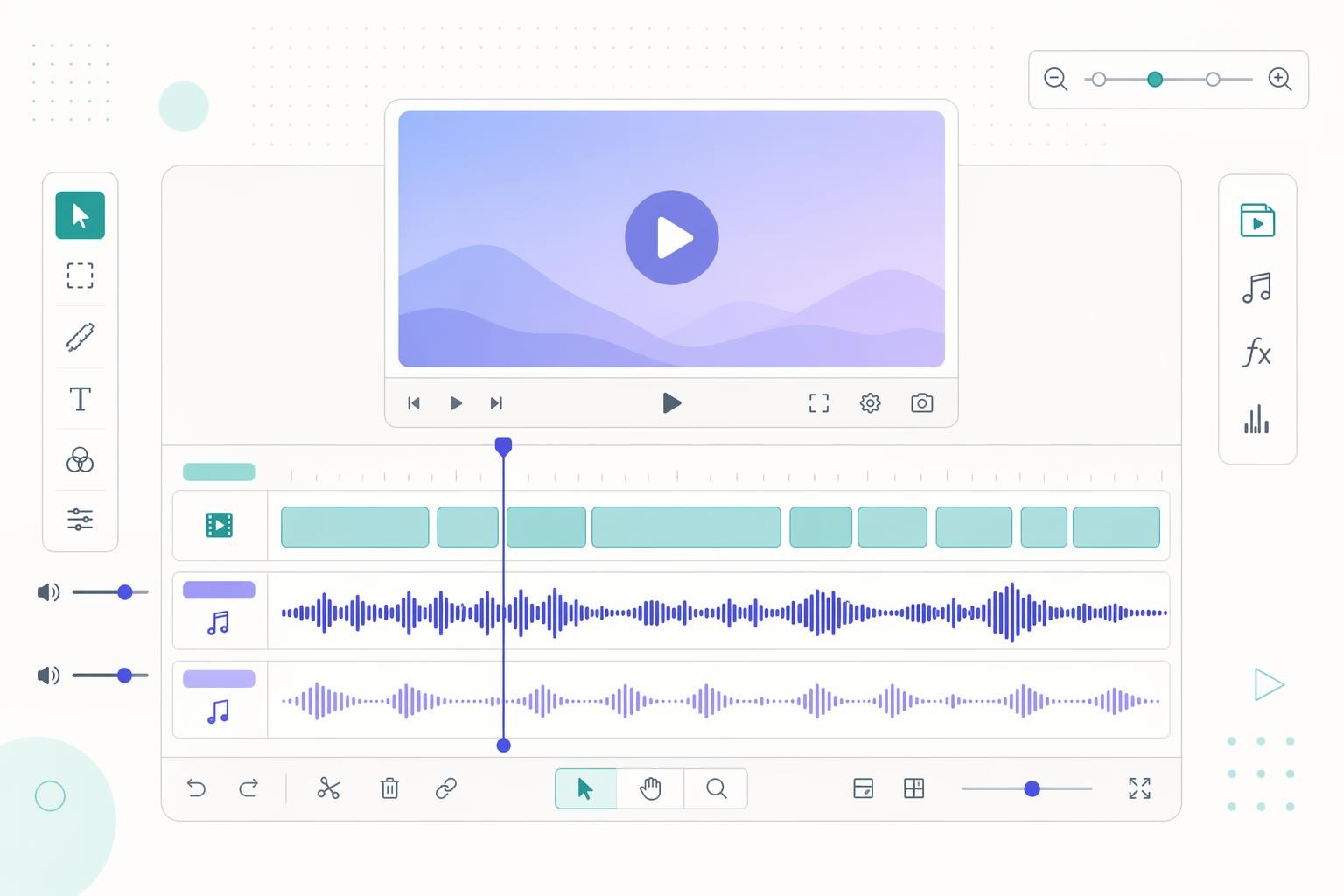
A quick note on workflow regardless of which site you pull from:
- Import WAV into your editing software (Premiere, DaVinci Resolve, Final Cut, CapCut, Descript) for the best quality during editing
- Layer sound effects on a dedicated audio track separate from music and voice so you can duck levels independently
- Keep sound effects 6-10 dB lower than the main voice so they support rather than compete
- Export the final master as MP3 or AAC for web delivery
Don’t rely on auto-play anywhere. YouTube auto-plays by default, but on social platforms that start muted (Instagram, TikTok, LinkedIn), make sure the visual tells the story on its own.
Attribution mechanics
For any sound effect that requires attribution (CC-BY and similar), include:
- Sound name
- Author name
- Source URL
- License name with link (e.g., “CC-BY 3.0”)
Where to put it:
- In video: end screen or description
- On a webpage: footer or dedicated credits page
- In a podcast: show notes
Missing attribution on a CC-BY sound can trigger a takedown even if the sound was technically “free.”
Alternative sites worth knowing
Beyond the main five:
- Mixkit: clean licensing, smaller library
- ZapSplat: huge library, free with account, attribution required on free tier
- Adobe Stock free tier: quality sounds under Adobe license
- YouTube Audio Library: built into YouTube Studio, royalty-free for YouTube content
The short version
MyInstants for memes, Voicemod for streamer audio, FilmCrux for cinematic, FreeSound.org for ambient and experimental, Pixabay for the cleanest commercial licensing. Always check the specific license before using a file in monetized content. Use MP3 for web and WAV for editing. Attribute when required, or stick to CC0 and Pixabay-licensed sounds to skip the paperwork.

Leave a Reply