How to Increase Blog Traffic When Growth Stalls
Blog traffic stuck even though you keep publishing? Find out whether old posts, AI answers, or technical issues are the cause, then fix that first.

Updated 8 min read
- Author
- Published
- Updated
- Reading time
- 8 min
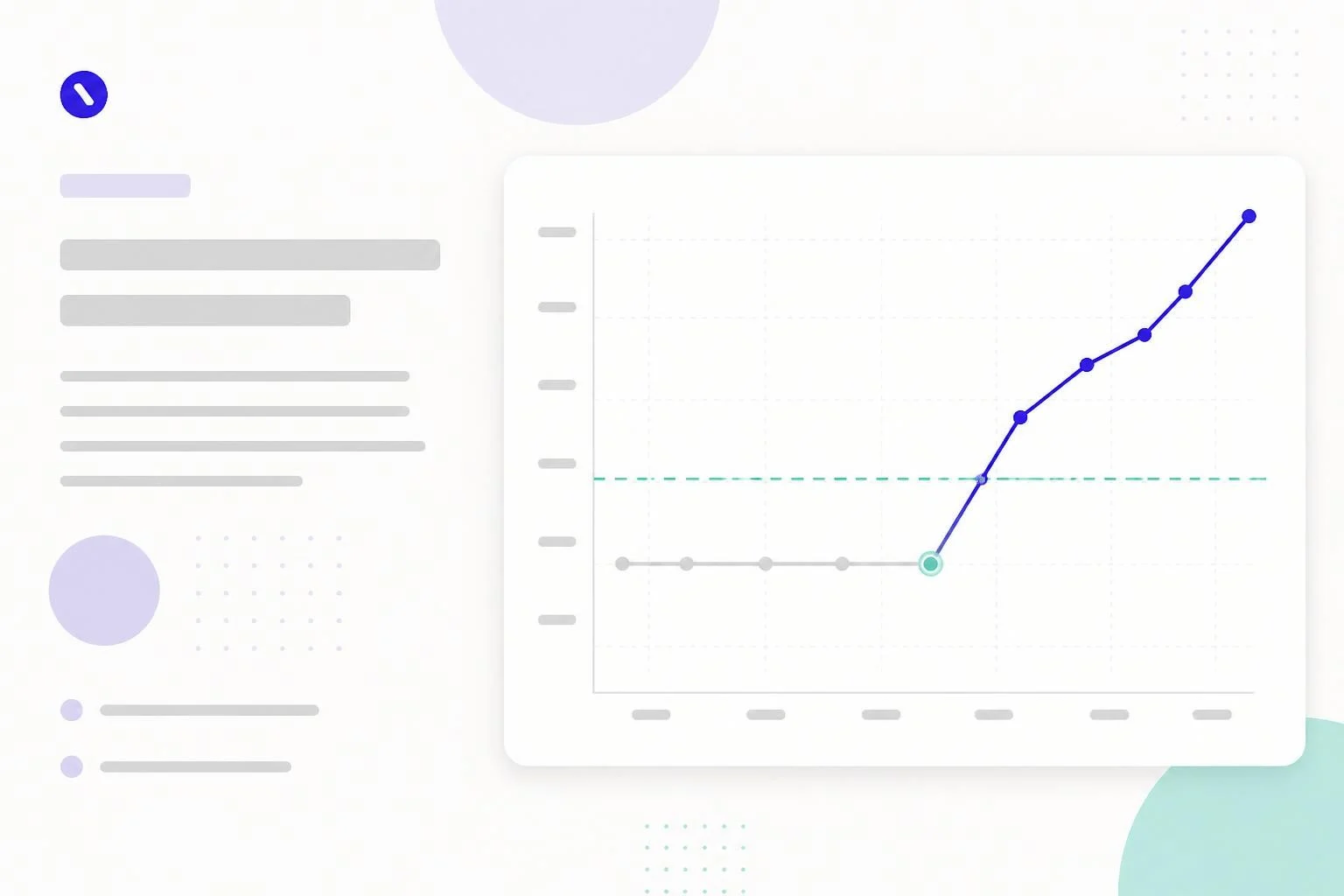
You keep publishing, but total traffic hasn't moved in months. New posts add a little, old posts slowly lose a little, and the line stays flat. Publishing more rarely fixes this, because the cause is usually somewhere else.
To increase blog traffic after a plateau, first find out why it stalled. The usual causes are older posts decaying, AI answers taking clicks you used to get, technical problems that keep pages out of the index, or a topic that has run out of new searches. Each one has a different fix. This guide shows you how to tell them apart in Search Console, then what to do about each.
Find out why your traffic stalled
Open Google Search Console, go to the Performance report, and compare the last three months with the same period a year earlier. Then match what you see:
What Search Console shows | Likely cause | Fix first |
|---|---|---|
A few once-strong pages lost most of their clicks | Content decay: posts went stale or competitors overtook them | Refresh old posts |
Impressions steady or up, clicks down, positions stable | AI Overviews and other answers on the results page take the click | Make posts worth citing and worth clicking |
Important pages missing from the Page indexing report, or a sudden site-wide drop | Technical or indexing problem | Technical check |
Clicks flat across every page, new posts barely register | You've covered your topic's main searches | Expand into related topics |
A sharp drop that lines up with a Google core update | Quality reassessment by Google | Audit and improve the weakest posts |
AI Overviews and AI Mode traffic is counted inside the normal Web numbers in Search Console, so you can't separate it out (Google Search Central). The "impressions up, clicks down" pattern is the best signal you have.
What has changed since you last looked
Three changes explain a lot of recent plateaus.
AI answers take some clicks. A Pew Research Center study of real browsing data from March 2025 found people clicked a regular search result on 8 percent of Google searches that showed an AI summary, against 15 percent of searches without one (Pew Research Center). Simple definition and fact queries are hit hardest.
AI tools also send visitors. ChatGPT, Perplexity, Gemini, and Google's AI features cite and link sources. That traffic is smaller than Google's for most blogs, but it goes to pages that answer clearly and back up their claims. The differences are covered in SEO vs GEO.
Google got stricter about thin content. In March 2024 it built its helpful content signals into its core ranking systems and added spam policies against scaled content abuse, expired domain abuse, and site reputation abuse (Google Search Central blog). Blogs that published lots of thin or mass-produced posts lost ground; blogs that didn't were less affected.
1. Refresh old posts before writing new ones
When decay is the cause, updating posts that already rank is usually faster than writing new ones, because Google already knows those pages.
- In Search Console, open the Pages tab and compare date ranges to find pages with the biggest drop in clicks.
- Add pages sitting at positions 8 to 20 with plenty of impressions. They are close to the first page.
- Pick two or three a month to update properly.
A proper update:
- Answers the main question in the first few sentences (see how to format a blog post).
- Corrects every outdated stat, tool, price, and screenshot, and removes claims you can't source.
- Adds what the current top results cover and yours doesn't.
- Adds links to newer related posts.
Change the visible date only when the content changed in substance. Google's guidance lists "changing the date of pages to make them seem fresh when the content has not substantially changed" as a sign of unhelpful content (Google Search Central). Switching "2025" to "2026" in a title is not an update.
For a site with 100 or more posts, do a full content audit instead of picking posts by feel.
2. Make posts worth citing and worth clicking
If AI answers are taking the clicks, you have two jobs: be the source the answer cites, and give readers a reason to visit anyway.
To be cited:
- Put a direct, self-contained answer near the top of the post.
- Use headings that match the questions people ask.
- Use specific numbers and name their sources.
- Make sure the page can show a snippet. Google says there are no special requirements for AI Overviews beyond being indexed and eligible for a snippet.
To earn the click, offer what a summary can't: step-by-step instructions, comparison tables, templates, original examples, and opinions backed by reasons. A post that only restates a definition is the easiest one for an AI answer to replace. More detail is in how to get cited by LLMs.
3. Expand into related topics
If you've covered the main searches in your topic, more posts on the same handful of keywords will compete with each other. Add new, related topics instead.
Find them two ways:
- Run a content gap analysis against two or three close competitors and look for whole subtopics they cover and you don't.
- Group your keyword list into clusters (see keyword clustering) and look for clusters with no page.
On a WordPress SEO blog, for example, a site that has covered theme speed thoroughly might expand into schema, robots.txt, or AI crawler settings. Each brings a different set of searches.
4. Fix internal linking
Internal links help readers and crawlers find posts, and a post nobody links to is easy to miss. Check for:
- Orphan posts with no internal links pointing to them. A crawler such as Screaming Frog will list them.
- New posts that only the homepage links to. Add links from your most-visited related posts.
- Old posts that never link to anything newer.
A plugin such as Link Whisper can suggest links, but read each one before adding it. The full approach is in internal linking and the three-click rule.
5. Run a technical check
A plateau sometimes hides a technical problem. Go through this list:
- Page indexing report in Search Console: are your important posts indexed? Many "Not indexed" URLs are normal (redirects, tag pages, duplicates). What matters is whether posts you care about appear there, and why.
- Core Web Vitals report: are posts failing on mobile? The WordPress speed guide shows how to find and fix the failing metric.
- Sitemap: submitted in Search Console and listing your real posts (see how to find your sitemap).
- Broken internal links and pages returning errors (see fixing broken links).
- Structured data: test a few posts in Google's Rich Results Test.
- Security: a hacked site can be flagged or lose rankings without you noticing. Search Console's Security issues report will show it.
Crawl budget is rarely the problem on a blog. Google's crawl budget guide is aimed at sites with roughly a million or more pages, or 10,000 or more pages that change daily (Google Search Central).
6. Grow traffic that doesn't depend on Google
Search will probably stay your biggest source, but a channel you control protects you from the next update.
- An email list is the most reliable. Every new post goes straight to people who asked for it.
- YouTube works well if your posts are tutorials. A short companion video can also fill a format gap in the post itself.
- Communities such as Reddit and niche forums send visitors when you answer questions properly and link only where it helps.
- Social platforms depend on your audience: LinkedIn for professional topics, Pinterest for visual ones.
7. Publish fewer, better posts
When traffic stalls, the instinct is to publish more. If your recent posts are thin, that adds to the problem. The same Google guidance lists "producing lots of content on many different topics in hopes that some of it might perform well" as a warning sign.
Try fewer posts, each aimed at being the best answer for its search. Use the saved time to update older posts. For most plateaued blogs, three strong posts a month beat ten quick ones.
A plateau checklist, in order
- Compare this period with last year in Search Console and name the cause.
- Check indexing and Core Web Vitals so a technical problem isn't hiding underneath.
- Refresh the posts that lost the most clicks.
- Improve the posts with high impressions and low clicks.
- Fix internal links, especially to new posts.
- Plan one new related topic from a gap analysis.
- Cut posting frequency if quality has slipped.
- Start or grow an email list.
WordPress tools that help
- Link Whisper for internal link suggestions.
- Rank Math or Yoast SEO for sitemaps, schema, and on-page checks.
- WP All Export to get every post, date, and category into a spreadsheet for an audit.
- Wordfence or Kadence Security (formerly Solid Security) to catch hacks early.
- RightBlogger for drafting updates and new posts, which you still need to fact-check and edit.
For more on the plugin and settings side, SmartWP's WordPress SEO tips go deeper.
Start with the diagnosis
Most plateaus end when you stop adding more of the same and fix the actual cause. Spend an hour in Search Console first. If old posts are decaying, refresh them. If AI answers are taking clicks, make your posts the cited source and give readers more than a summary can. If you've exhausted your topic, expand into the next one.