External Linking Benefits: Do Outbound Links Help SEO?
Linking out won't drain your rankings. What Google actually says about external links, when to use nofollow or sponsored, and how many to add per post.

Updated 7 min read
- Author
- Published
- Updated
- Reading time
- 7 min
You're about to cite a stat and you hesitate over the link. Will sending readers to another site leak your "SEO juice"? Should it be nofollow? Is one link enough, or ten?
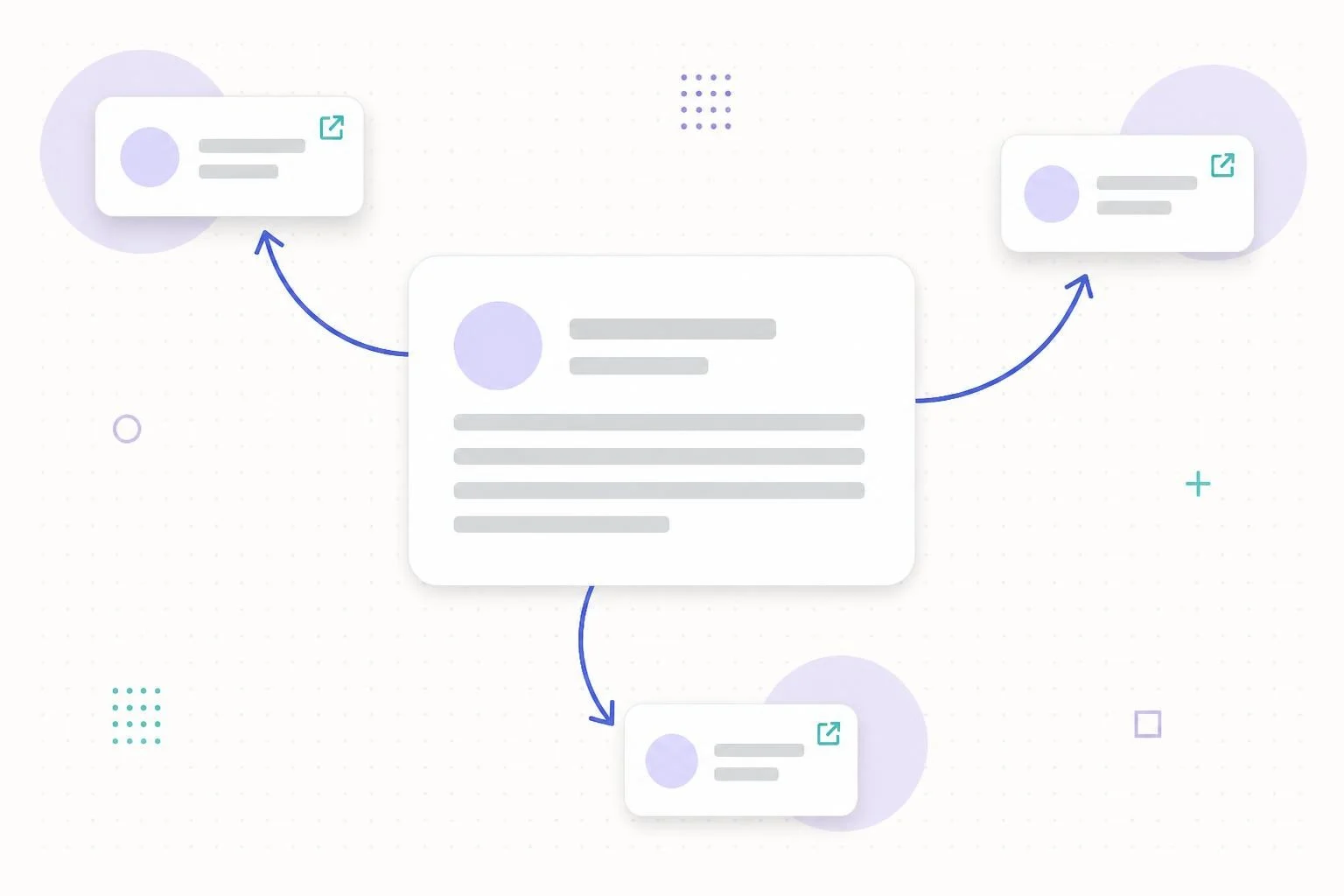
The short version: linking out to relevant, trustworthy sources doesn't hurt your rankings, and it makes your content easier to trust. Google says so directly in its link best practices: "Linking to other sites isn't something to be scared of," and external links "can help establish trustworthiness (for example, citing your sources)." What Google hasn't said is that outbound links are a ranking factor in their own right. The benefits are real, but they work through trust and usefulness rather than a direct boost.
What external links actually do for you
They back up your claims
A number with a link to its source is something a reader can check. A number with no source is something they have to take on faith. Google's own self-assessment questions in its guide to creating helpful content ask whether content presents information "in a way that makes you want to trust it, such as clear sourcing."
This ties into E-E-A-T (experience, expertise, authoritativeness, trustworthiness), the framework Google's quality rater guidelines use to judge content. E-E-A-T isn't a ranking factor you can score points on (Google's SEO Starter Guide says so). It describes what Google's systems try to reward, and clear sourcing is one of the visible ways a page shows it.
They make your content easier for AI answers to cite
AI answer engines quote passages they can trust. In the GEO study from Princeton and other researchers (published at KDD 2024), rewriting pages to cite sources, add quotations, or add statistics made them more visible in AI-generated answers. The best of those methods improved visibility by roughly 30 to 40% on the researchers' benchmark, while keyword stuffing did worse than doing nothing. It's a lab setup, not a guarantee, but it points the same way as Google's guidance: sourced, specific content gets used. More in how to get cited by LLMs.
They help readers go deeper
A link to the official documentation, the original study, or a better explanation of a side topic saves your reader a search. That's a better experience, and a reader who trusts your links is more likely to come back.
They can start relationships
Writers notice referral traffic from sites that cite them. Sometimes that turns into a link back, a mention, or a collaboration. It's not a reason to link, but it's a real side effect.
Does linking out leak PageRank?
No, not in any way that should stop you. Linking to another site doesn't lower your own page's rankings. The old fear came from a simplified reading of PageRank, where each link passes some value on. Passing value to a source you cite is not the same as losing your own.
What can cause problems is linking for the wrong reasons: buying or selling links that pass ranking credit, or stuffing posts with links to manipulate rankings. Those fall under Google's link spam policies. Citing a source because it supports your point is the opposite of that.
Internal links vs external links
The two get discussed together but do different jobs:
Internal links | External links | |
|---|---|---|
Point to | Another page on your own site | A page on someone else's site |
Main job | Help discovery, spread authority, guide readers deeper | Back up claims, cite evidence, point to primary sources |
You control | The destination and its content | Only whether you link, not what they publish |
Fix it when | Good pages are buried or orphaned | Claims are unsourced |
If your problem is that good pages get no traffic and nothing links to them, that's an internal linking problem, and the guide to internal linking and the three-click rule is the better place to start. If your posts make claims with nothing to back them up, external links fix that.
When to link out, and when not to
Link out when you are:
- Citing a statistic, study, or specific claim
- Pointing to official documentation (Google Search Central, developer.wordpress.org, MDN)
- Crediting the source of an idea or quote
- Sending readers to a deeper resource on a side topic
- Recommending a tool or product you're discussing
Skip the link when:
- The destination is low-quality, spammy, or off-topic
- You're adding it to hit some outbound-link quota
- The page is outdated or has been replaced by a newer source
- Your own post covers it better (link internally instead)
How many external links per post
There's no magic number, and Google hasn't published one. A sensible default is to link every specific claim to its source and stop there. In practice, that's often somewhere between 2 and 8 links in a typical 1,000 to 2,000 word post, and more in a resource roundup.
More isn't better. Each link asks the reader to make a decision. Pick the ones that actually strengthen the post.
nofollow, sponsored, and ugc: which to use
A plain link with no rel attribute is a normal followed link, and that's what you want for a genuine citation. Google defines three values for the rest, in its guide to qualifying outbound links:
Value | Use it for |
|---|---|
| Ads, paid placements, and affiliate links |
| Links in user-generated content such as comments and forum posts |
| Anything else you don't want Google to associate your site with |
Two details people get wrong. Google asks sites in affiliate programs to mark those links sponsored in its 2021 link spam reminder; nofollow is still accepted for paid links, but sponsored is preferred. And Google says to use nofollow "only when you don't trust the source, and not for every external link on your site." Nofollowing every citation by default throws away the trust signal you were trying to send.
In the WordPress block editor, the link popover's advanced settings include a "Mark as nofollow" toggle. For sponsored or ugc, edit the block as HTML, or use an SEO plugin like Rank Math or AIOSEO that adds those options to the link dialog.
Should external links open in a new tab?
It's a usability choice, not an SEO one. Many sites open external links in a new tab so readers can return easily; accessibility guidance generally favors opening links in the same tab, or at least warning users when a new one opens.
If you do use target="_blank", the old security worry about rel="noopener" is mostly handled for you. Modern browsers now apply noopener behavior to target="_blank" links by default, per MDN, and WordPress adds rel="noopener" when you choose "Open in new tab" in the editor.
Where and how to place external links
Put links in the body, next to the claim they support. A list of sources dumped at the end of the post is harder to use and loses the context of what each source backs up.
Use anchor text that describes the destination. "Google's guide to qualifying outbound links" tells the reader where they're going; "click here" or "this study" doesn't.
What to link to
Prefer, in roughly this order:
- Primary sources: official documentation, the original study, the company's own announcement
- Recognized publications and experts in your niche
- Tools and products you're actually discussing
Avoid sites that look spammy or abandoned, expired or parked domains, and aggregators that just rewrite the original source. When a secondary article reports a number, find and link the original instead.
Keep your external links healthy
External links break as other sites move or delete pages. A few habits keep them working:
- Run a link checker every few months. The free Broken Link Checker plugin or a crawl with Screaming Frog will list external 404s.
- When a source dies, replace it with the primary source or a current equivalent rather than just removing the link.
- See how to find and fix broken links for the full workflow.
External links are one part of a site's link profile. They work alongside internal links that connect your own posts and backlinks from other sites citing you, plus a post structure readers can scan (see how to format a blog post).
Link like a careful researcher
The rule is simple: if a sentence makes a claim someone might question, link the source. Use followed links for genuine citations, sponsored for anything you're paid for, and nofollow only for sources you don't trust. You lose nothing by linking out, and you give readers, Google, and AI answer engines a reason to believe you.